SECTION 5 BASIC OPERATION PROCEDURE
5-8
"Measure" Function Check
Press Preset key and Preset All key in order.
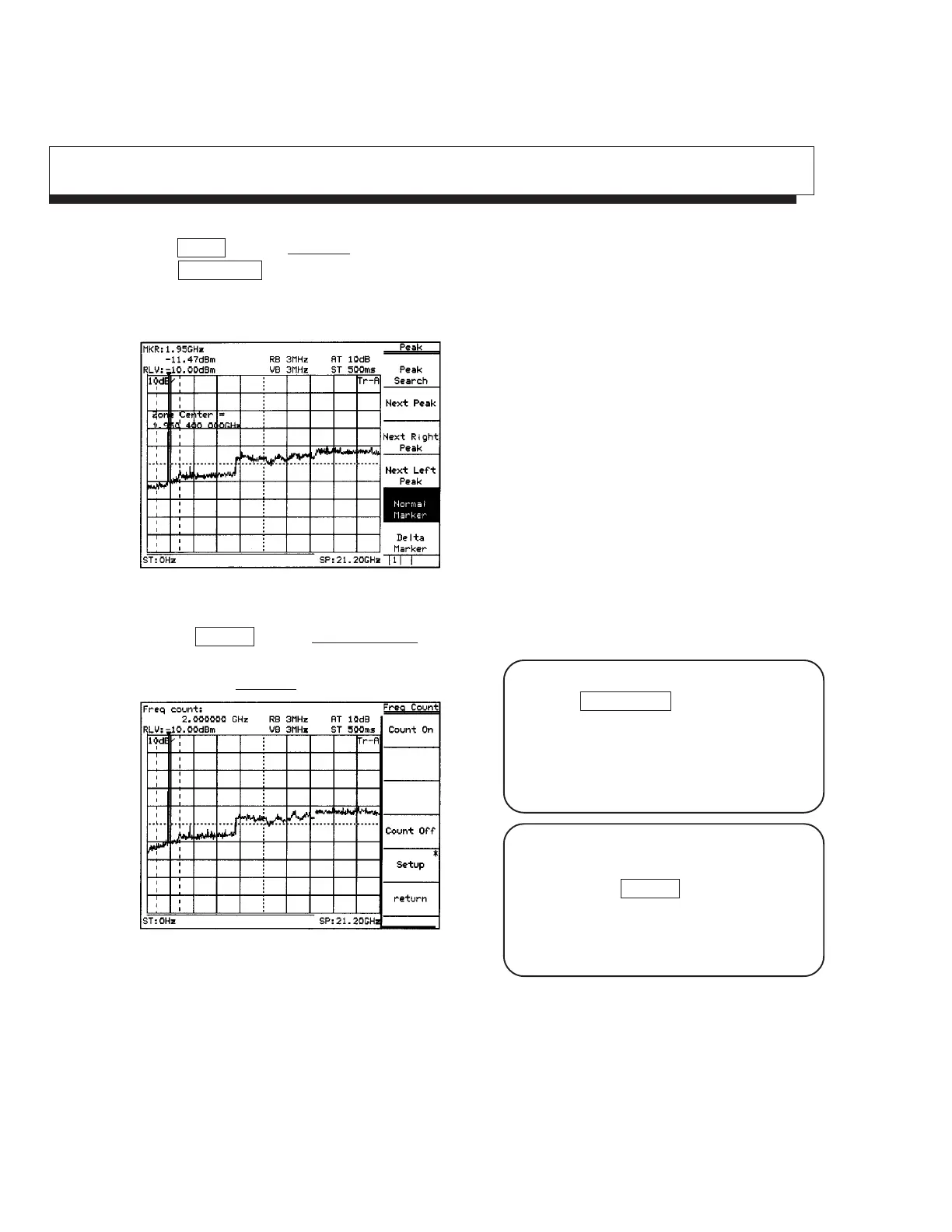
Press Peak Search key.
If the zero beat signal level (local feed through) is larger than the signal level and the marker fetches the 1st
Local feed through, press "Next peak" key and put the marker on the signal.
Fig. 5-12
Press the Measure key and Frequency Count key to set the function of high accuracy frequency measurement
of the marker points.
Then, press the Count On key and start measurement.
Fig. 5-13
The frequency of marker points is displayed at the top left of the screen.
Incidentally, the internal counter correctly operates even at the full span condition, so an operation to reduce
frequency span otherwise required is not necessary in this model.
The soft-key menu display can be switched On/
Off by the Menu On/Off key.
However, keys that condition setting is not
possible unless a menu is On unconditionally
make the soft-key menu display On when pressing
a panel key.
From the screen after executing measurement, press
another panel key and change parameters, and then,
pressing again the Measure key will automatically
return to the menu of this screen and not to page 1
of the menu (page learning function).
It is a useful function when repeating measurement.












 To Next Page