2-5 Mode Selector Menu Chapter 2 — Instrument Overview
2-6 PN: 10580-00175 Rev. N MS272xB + MS8911B UG
Main Menu Keys
The 5 main menu keys are horizontally arranged adjacent to the measurement display screen
and along its lower edge. These keys (buttons) have no printed labels. They are positioned to
accompany virtual key labels that are displayed in the measurement display area. These
main menu key labels change to match specific instrument Mode settings. Each Mode has a
specific set of main menu keys. For details about the main menu keys, refer to the section
“Main Menu Keys” on page 2-20. For details about the Mode settings, refer to section
“Mode Selector Menu” on page 2-6.
Submenu Keys
These 8 gray keys (buttons) have no printed labels. They are arranged adjacent to the
measurement display screen along the right-hand edge. They are positioned to accompany
virtual submenu key labels that are displayed to match instrument modes and measurement
functions. The submenu label area is also called the Active Function Block (refer to Figure 2-2
on page 2-3). The virtual key labels change as instrument measurement settings change.
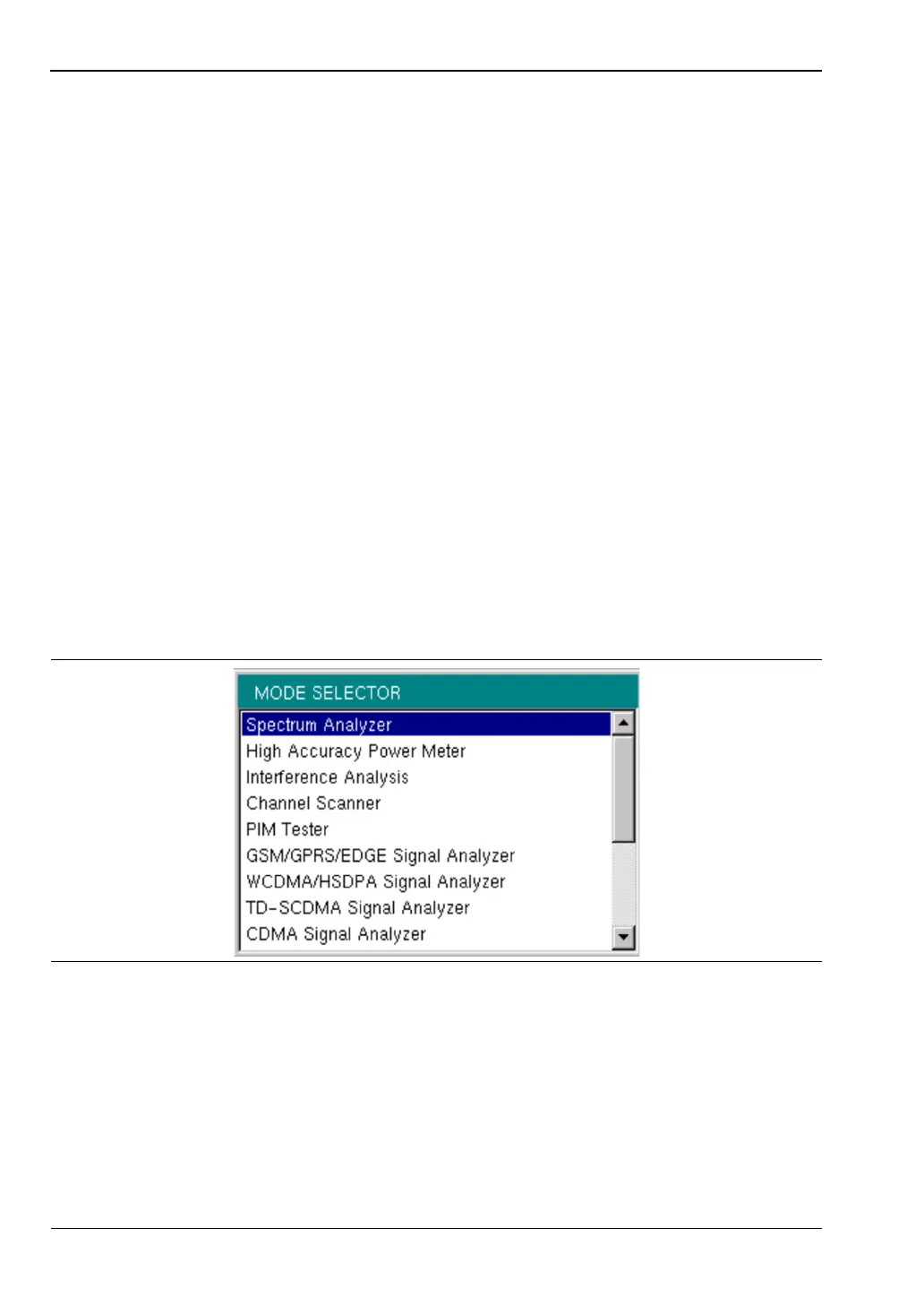
2-5 Mode Selector Menu
To access the functions under the Mode menu, press the Shift key, then the Mode (9) key. Use
the directional arrow keys or the rotary knob to highlight the selection, and press the Enter
key to select. The list of modes that appears in this menu will vary depending upon the
options that are installed and activated in your instrument. Figure 2-4 is an example of the
Mode menu. Your instrument may not show the same list.
Figure 2-4. Mode Selector Menu














 To Next Page