5-4 File Menu Chapter 5 — File Management— ISDB-T SFN
5-8 PN: 10580-00175 Rev. N MS272xB + MS8911B UG
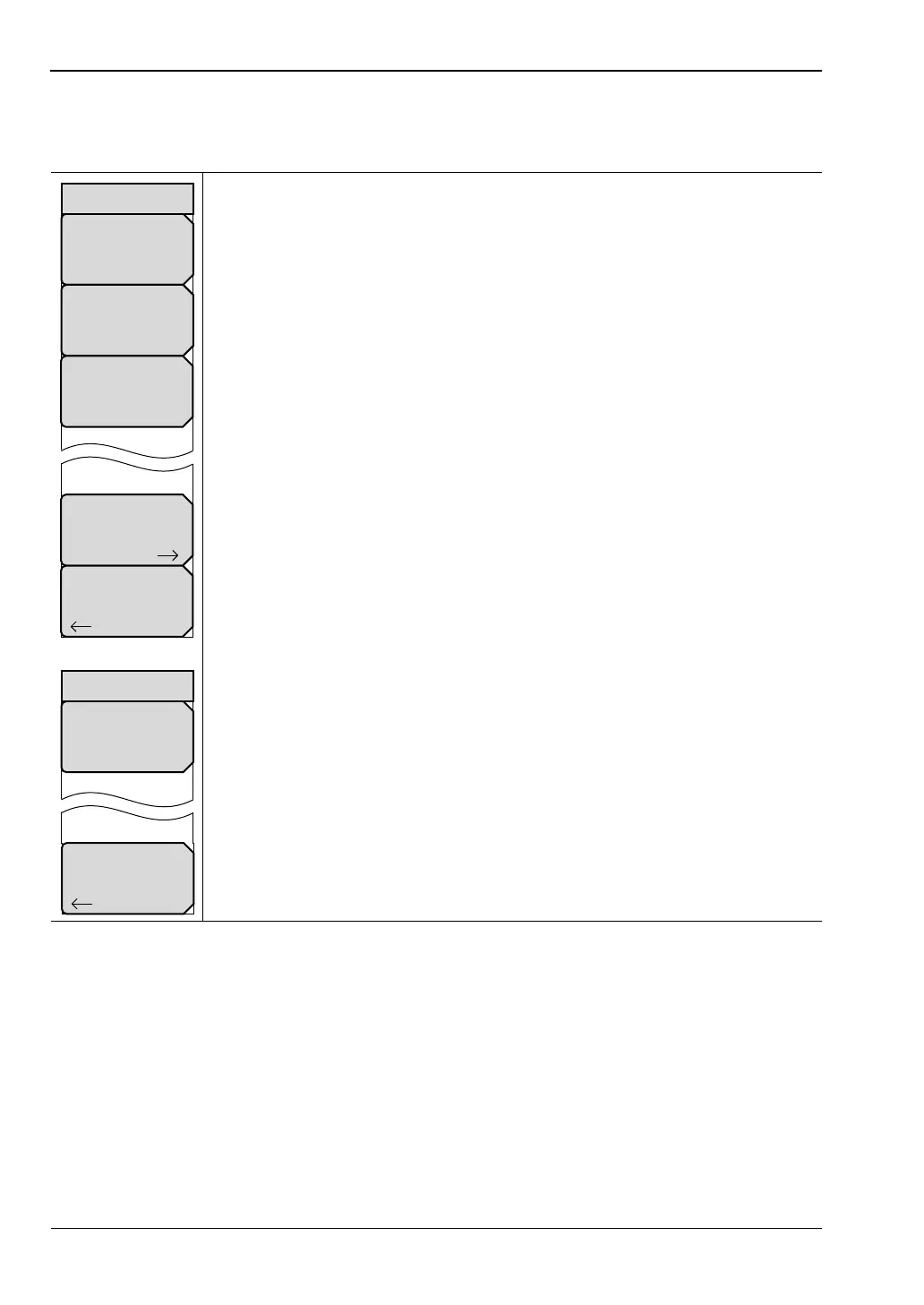
Recall Menu
Key Sequence: File (7) > Recall
Recall Setup: Press this submenu key to open the recall submenu and a list
box for selecting and recalling previously stored instrument setups in the
current storage location. All current instrument settings are replaced by the
retrieved setup information.
In the Recall selection menu, press the Recall submenu key to confirm setup
recall. Press the Esc key or press the Back submenu key to cancel the recall
operation at any time before a setup is recalled.
Note: All setup files from all modes are displayed in the list box.
Recall Measurement: This submenu key is not active in the ISDB-T SFN
Recall Limit Line: This submenu key is not active in ISDB-T SFN mode.
Directory Management: Press this submenu key to open the
“Directory Management Menu” on page 5-10.
Back: Press this submenu key to return to the “File Menu” on page 5-5.
Recall Setup Screen: The Recall Setup submenu has no title.
Recall: Press this submenu key to confirm setup recall.
Back: Press this submenu key to return to the Recall menu.
Figure 5-5. Recall Menu
Recall
Setup
Recall
Measurement
Recall
Directory
Management
Back
Recall
Limit Line
Back
Recall














 To Next Page