6-3 System Menu Chapter 6 — System Operation
6-6 PN: 10580-00175 Rev. N MS272xB + MS8911B UG
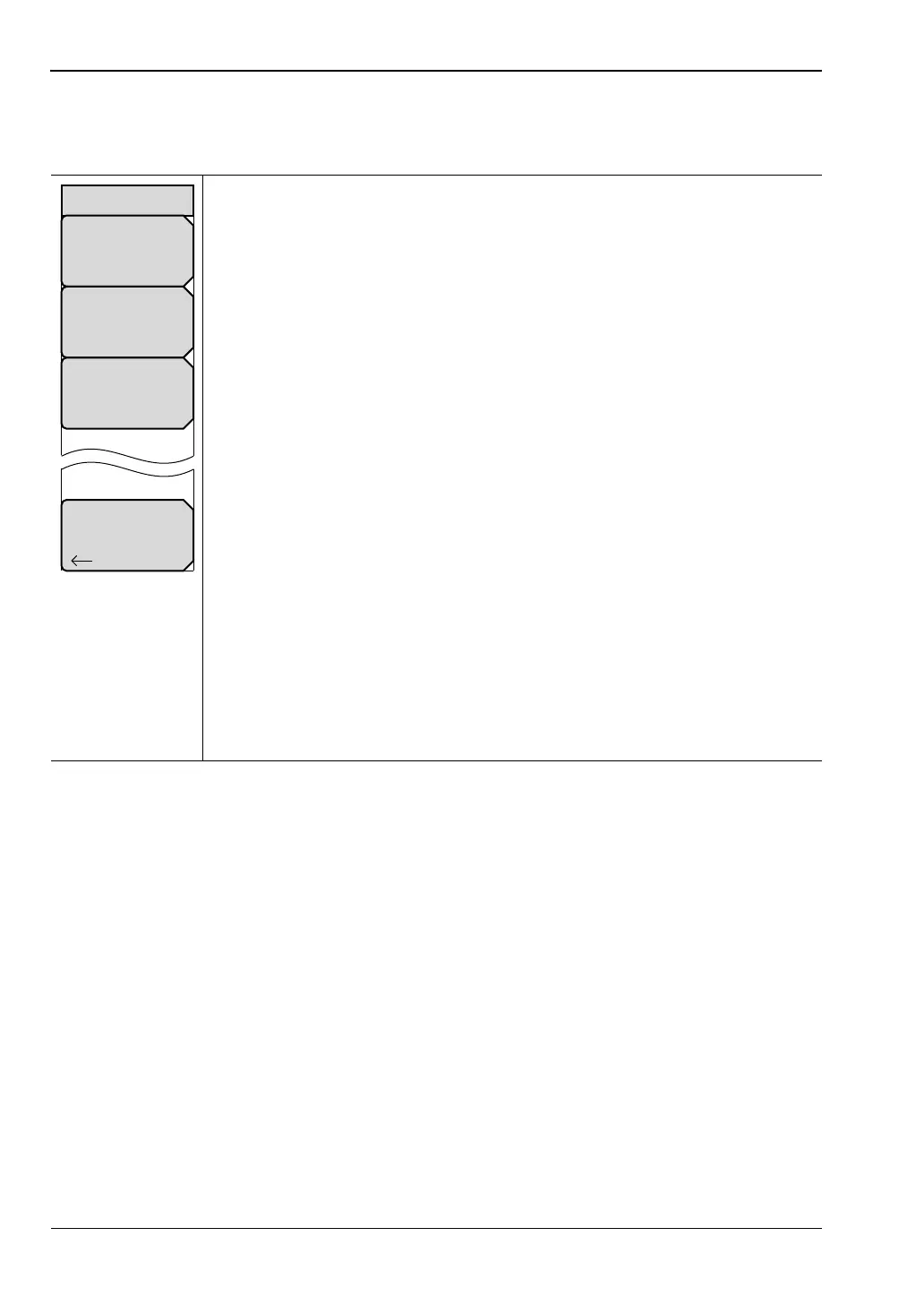
Reset Menu
Key Sequence: Shift, System (8) > System Options > Reset
Factory Defaults: Press this submenu key to restore the Spectrum Master to
its factory default parameter values and Mode settings, including Ethernet,
language, and brightness settings. Press the Enter key to initiate the reset.
The Spectrum Master is automatically rebooted as part of this operation. To
return to normal operation without resetting, press Esc rather than pressing
Enter.
Note: This same reset sequence can be initiated when turning the
Spectrum Master On by pressing and holding the Esc+On keys until the
Anritsu splash screen is displayed.
Master Reset: Press this submenu key to restore the factory setting to all
system parameters, including Ethernet, language, and brightness settings.
Also, all user files in the internal memory are deleted, and the original
language and antenna files are restored. Press the Enter key to initiate the
reset. The Spectrum Master is automatically rebooted as part of this
operation. To return to normal operation without resetting, press Esc rather
than pressing Enter.
Note: This same reset sequence can be initiated when turning the
Spectrum Master On by pressing and holding the System (8)+On keys until
the Anritsu splash screen is displayed.
Update Firmware: Press this submenu key to update the instrument
operating system using an external USB drive. Press Enter to begin the
update, or press Esc to return to normal operation without updating. Refer to
“Updating Firmware” on page 6-8 for additional information.
Back: Press this submenu key to return to the “System Options Menu”
on page 6-3.
Figure 6-7. Reset Menu
Back
Reset
Factory
Defaults
Master
Reset
Update
Firmware














 To Next Page