6-6 Updating Firmware Chapter 6 — System Operation
6-8 PN: 10580-00175 Rev. N MS272xB + MS8911B UG
6-6 Updating Firmware
Using a USB Memory Device
The Spectrum Master contains a feature that allows you to update its firmware by using a
USB memory device. First, you must load the USB memory device with the firmware using
Master Software Tools (MST). Review the section (in MST Help) that describes this process.
After the firmware is loaded onto the USB memory device, follow the instructions below to
update the firmware on your Spectrum Master.
1. Insert the USB Memory Stick into the USB port.
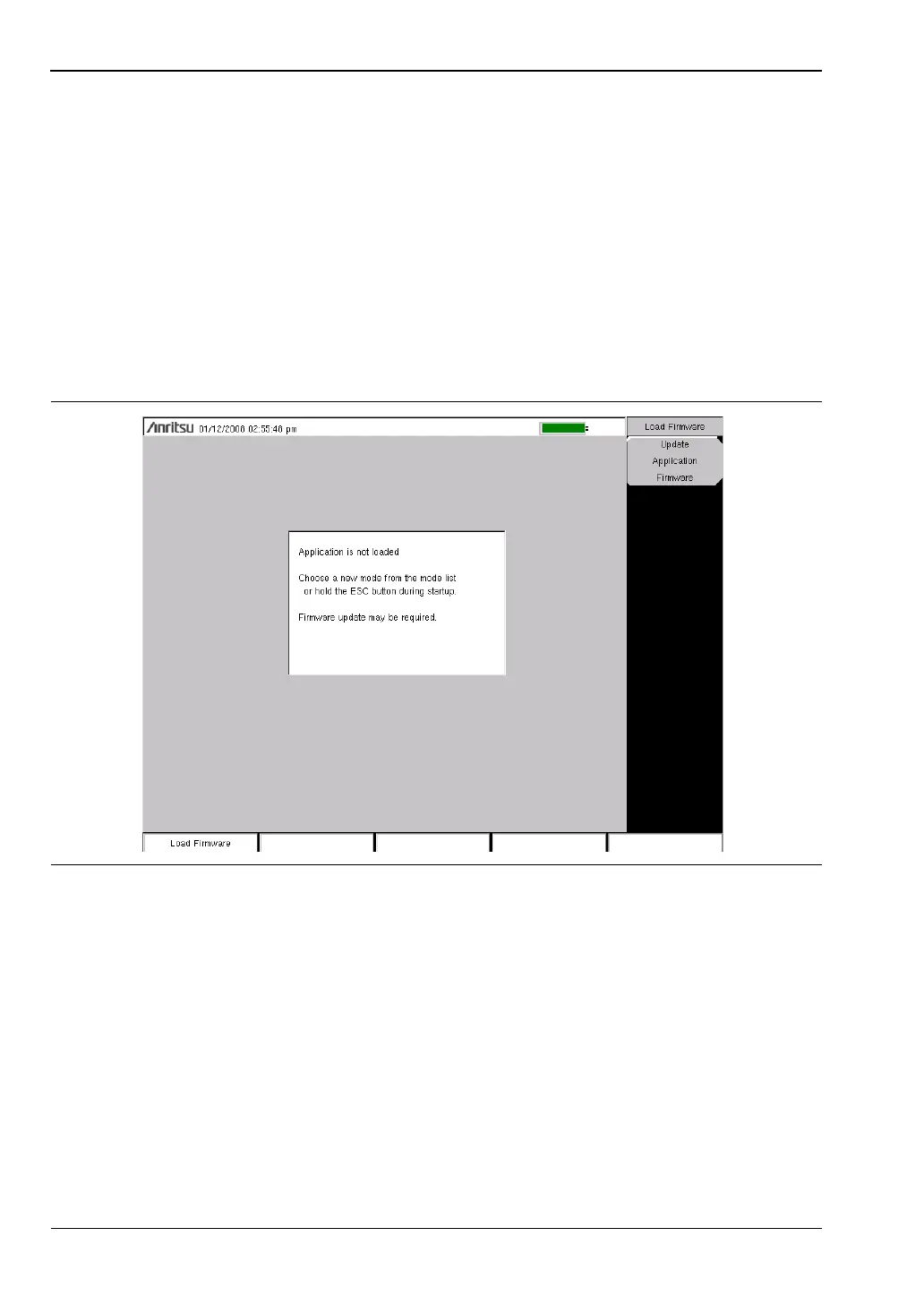
2. Press the follow key sequence: Shift > System (8) > System Options > Reset > Update
Firmware. The Load Firmware main menu key is displayed (Figure 6-9).
3. Press the Load Firmware main menu key to list the Firmware Update menu and the
Update Application Firmware submenu key.
4. Press the Update Application Firmware submenu key, and the Firmware Update dialog
opens (Figure 6-10).
Figure 6-9. Firmware Main Menu














 To Next Page