Chapter 5 — File Management— ISDB-T SFN 5-4 File Menu
MS272xB + MS8911B UG PN: 10580-00175 Rev. N 5-7
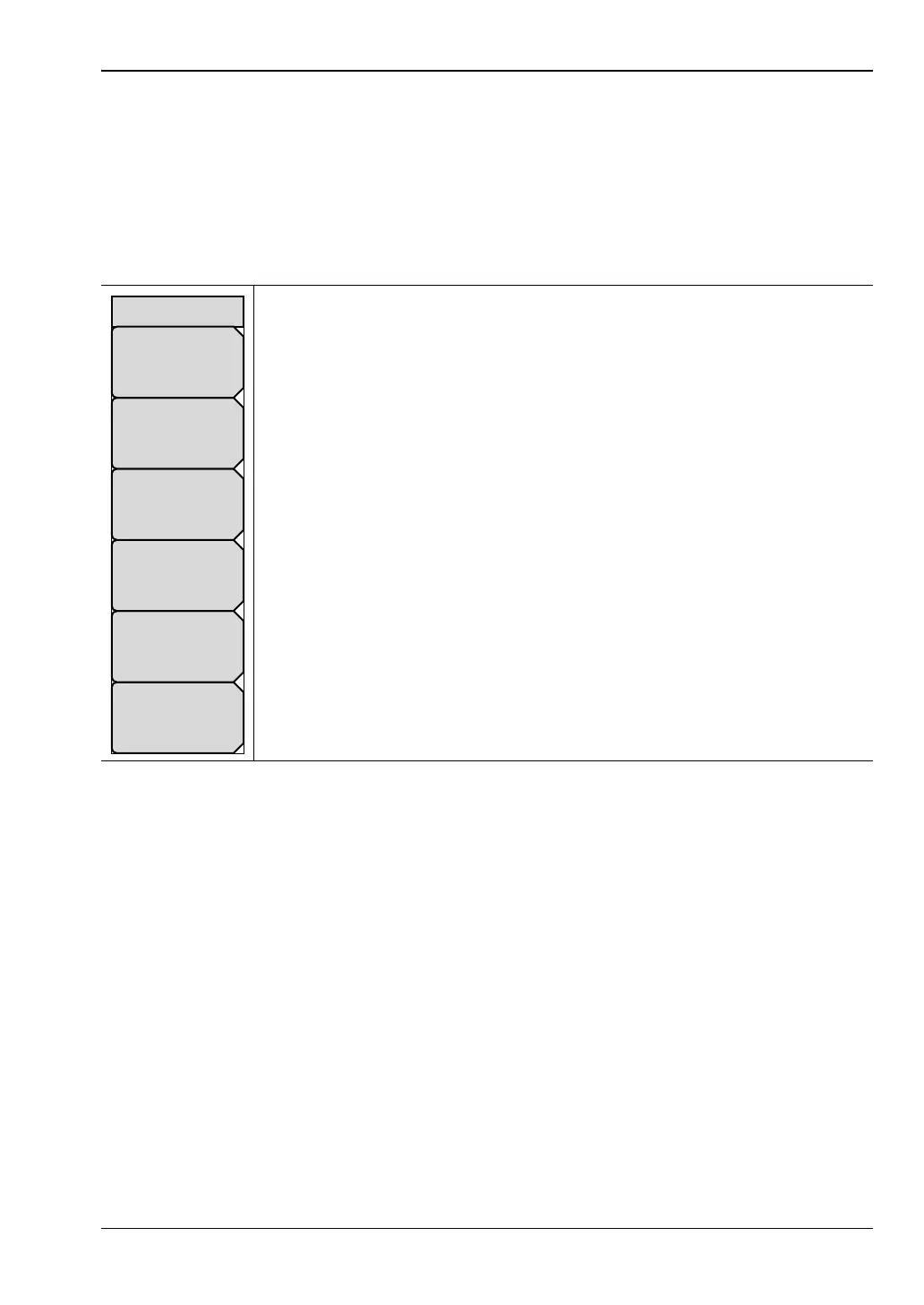
Text Entry Menu (Save)
For additional descriptions of these key functions, refer to Section 2-9 “Text Entry”
on page 2-9.
Key Sequence: Shift File (7) > Save Setup
Key Sequence: Shift File (7) > Save Measurement
Key Sequence: Shift File (7) > Save Screen as JPEG
abc
def: Press this submenu key to select one of the letters, which is then
added to the current filename.
Pressing any character submenu key in the Text entry menu displays another
Text Entry menu with a single character on each key.
You can press the Shift key at any time to change the setting to UPPERCASE
letters.
The submenu key with Y and Z also provides characters for a hypen (-), an
underscore, or a plus sign (+).
Back Space: Press this submenu key to move the filename cursor back one
space, deleting one character. To delete a character that is not at the end of
the current filename, use the Left and Right arrow keys to position the cursor.
Figure 5-4. Text Entry Menu
Text Entry
Back Space
y z - _
s t u
v w x
m n o
p q r
g h i
j k l
a b c
d e f














 To Next Page