Pro Tools PCI Quick Start Guide
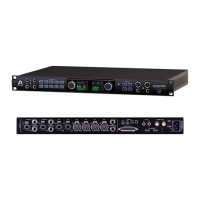
This Quick Start Guide describes how to configure one Symphony I/O with an Avid Pro
Tools HD PCI card to record and play back audio.
Step 1 - Install Pro Tools HD cards
Install Pro Tools HD cards and Pro Tools software as described in the Avid
documentation entitled "Getting Started with Pro Tools HD".
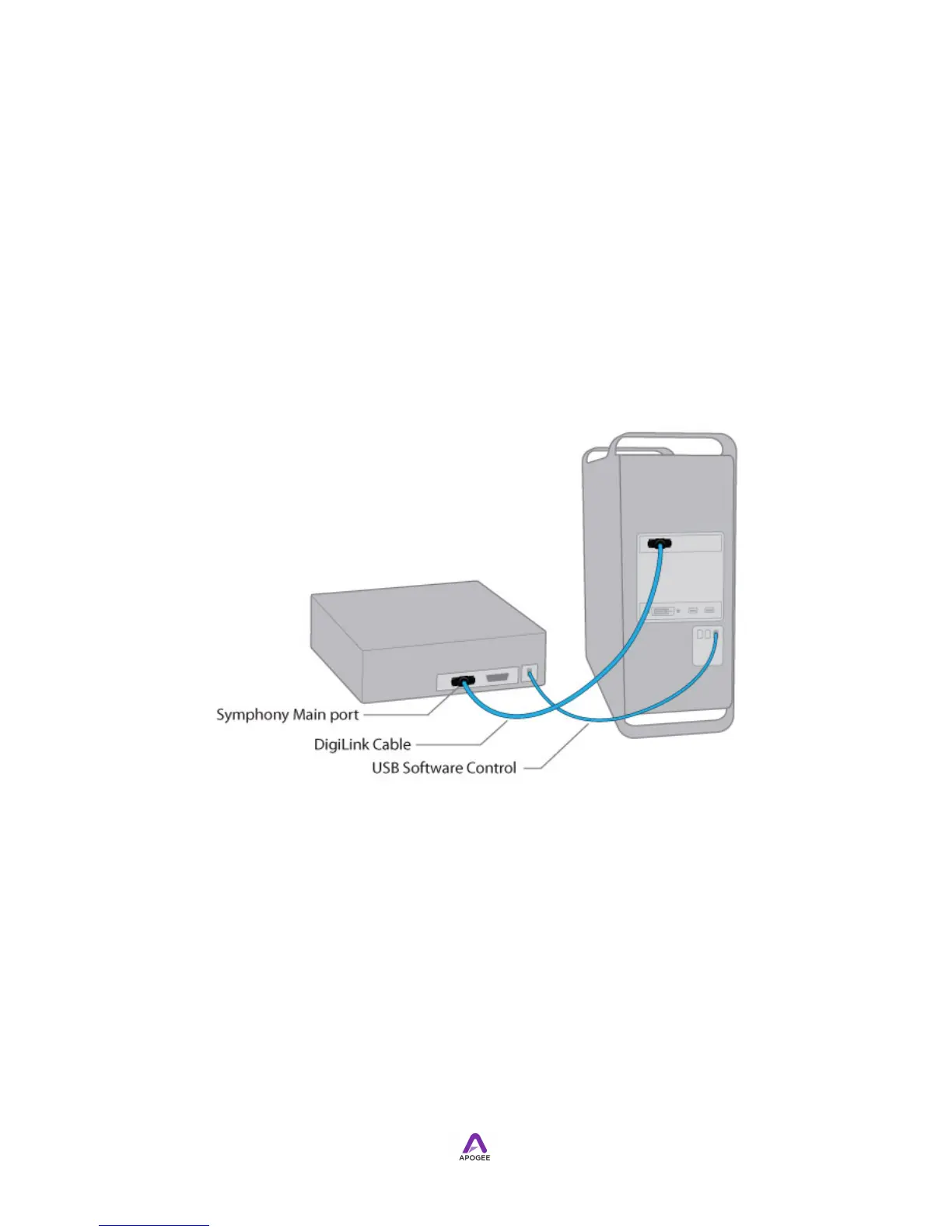
Step 2 - Connect Symphony I/O to the Pro Tools HD PCI Card
Using the 3 meter DigiLink cable included with the Pro Tools HD card (or an Apogee
PC-32 IFC Cable), connect the Symphony I/O’s Main port to the HD Core card port as
shown below.


 To Next Page