Maestro Features
While basic settings may be made from the front panel, Symphony I/O has been
designed primarily to be controlled from Apogee Maestro software.
!
•
Devices Sidebar
•
Device Icon and ID Button
•
Input Tab Window
•
Output Tab Window
•
Device Settings Tab Window
•
Routing Tab Windows
•
Input Routing Tab Window
•
Output Routing Tab Window
•
System Setup Tab Window
•
System Setup - Symphony PCI
•
Toolbar
•
Menu Bar Menus
!
Devices Sidebar
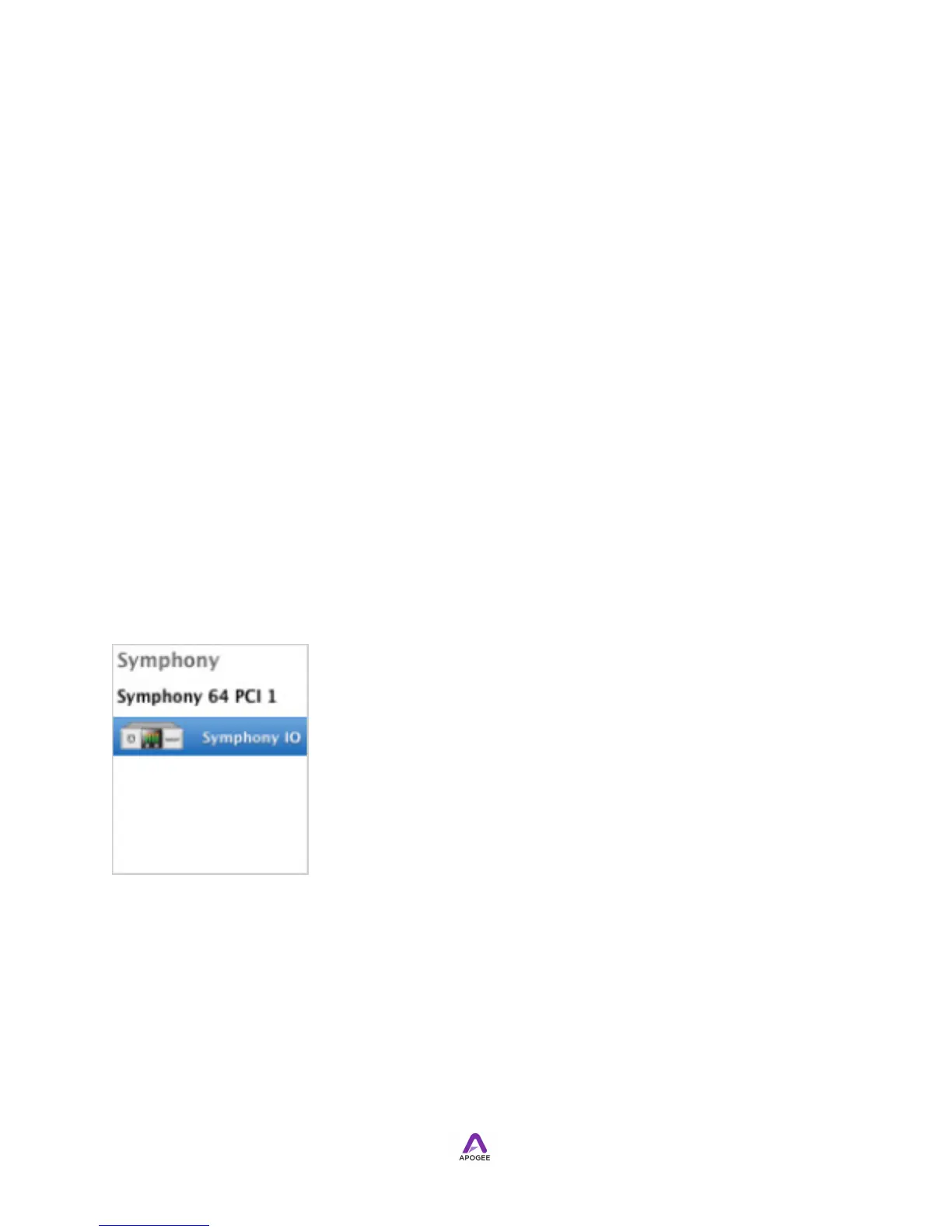
!Any Maestro-compatible Apogee interfaces connected to the host computer are
displayed in the Devices sidebar, regardless of whether the connection is made via
Symphony PCI card, USB or FireWire. Hardware settings are displayed by first
selecting one or more interfaces in the Devices sidebar and then clicking on a tab.
!



 To Next Page