Configuring Audio Software
This chapter describes how to set up and configure your audio software
!
Mac Settings
Apple Logic Settings
Apple GarageBand Settings
Avid Pro Tools Settings
Configuration Settings on your Mac
Mac Sound Dialog
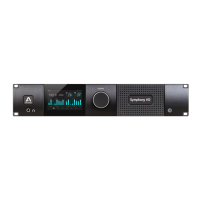
Once you’ve installed Symphony I/O software and restarted your Mac, the dialog box
shown below appears. Click Yes to use Symphony I/O for sound input and output for
applications such as iTunes, Quicktime and other audio utilities.


 To Next Page