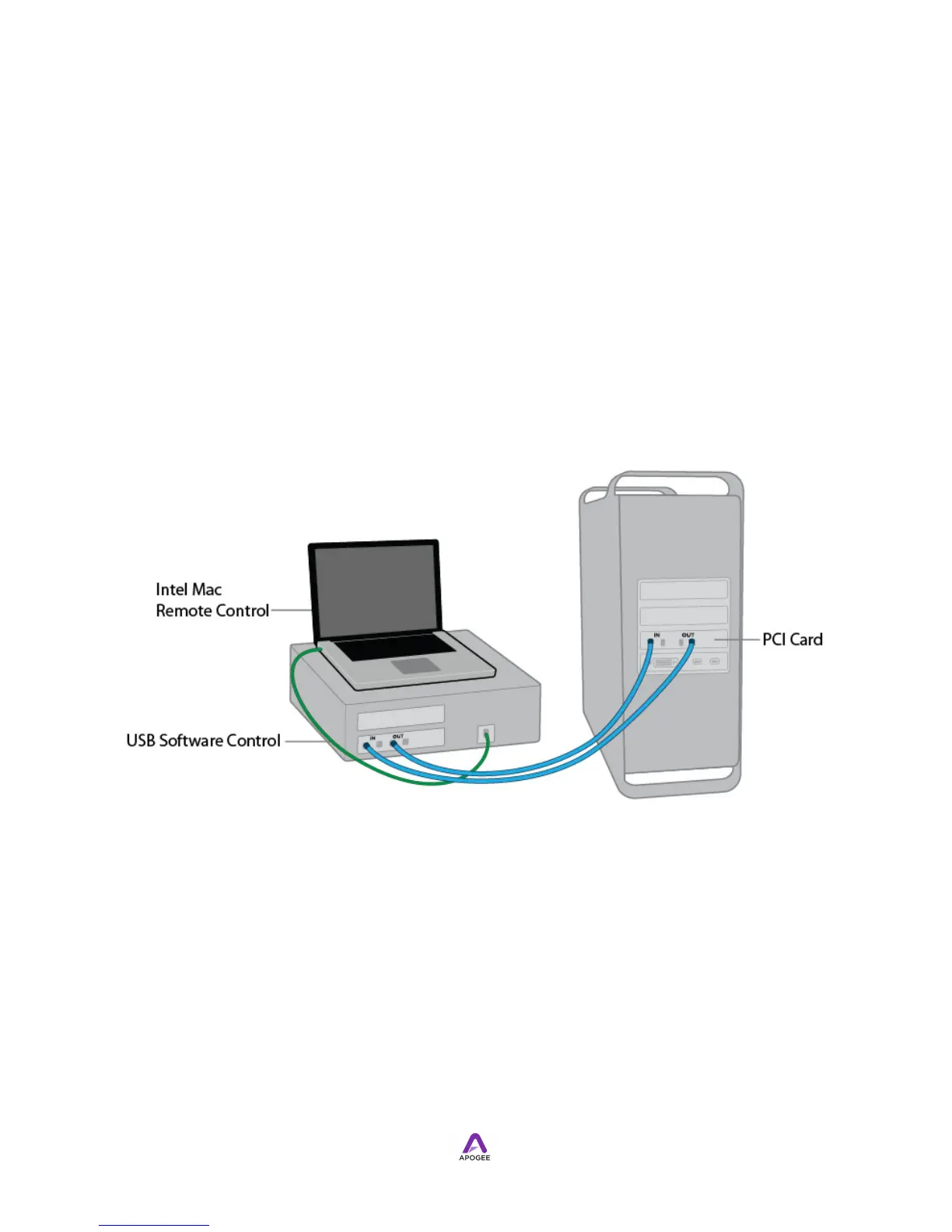
I/O Module Connections - Standalone Audio Interface Mode
!
When Audio Interface Mode is set to Standalone, I/O Module inputs may be routed
directly to outputs in order to use Symphony I/O's A/D and D/A conversion stages with
other interfaces or standalone digital devices. A USB connection between Symphony I/
O and an Intel Mac provides the link between Apogee Maestro software and
Symphony I/O, in order to make calibration, meter configuration, digital format and
other settings. Once settings are made, the USB connection may be removed.
!
!
In Standalone audio interface mode its possible to connect Symphony I/O to a non-
Mac computer equipped with AES, Optical or S/PDIF Coax I/O (often provided by an
optional PCI card). For example, to connect Symphony I/O to an ADAT-equipped
WIndows computer, make the following connections.
Connecting Headphones
Connect headphones to Symphony I/O’s front panel connectors. Set the source for
each headphone output in Maestro’s Output Routing tab window.



 To Next Page