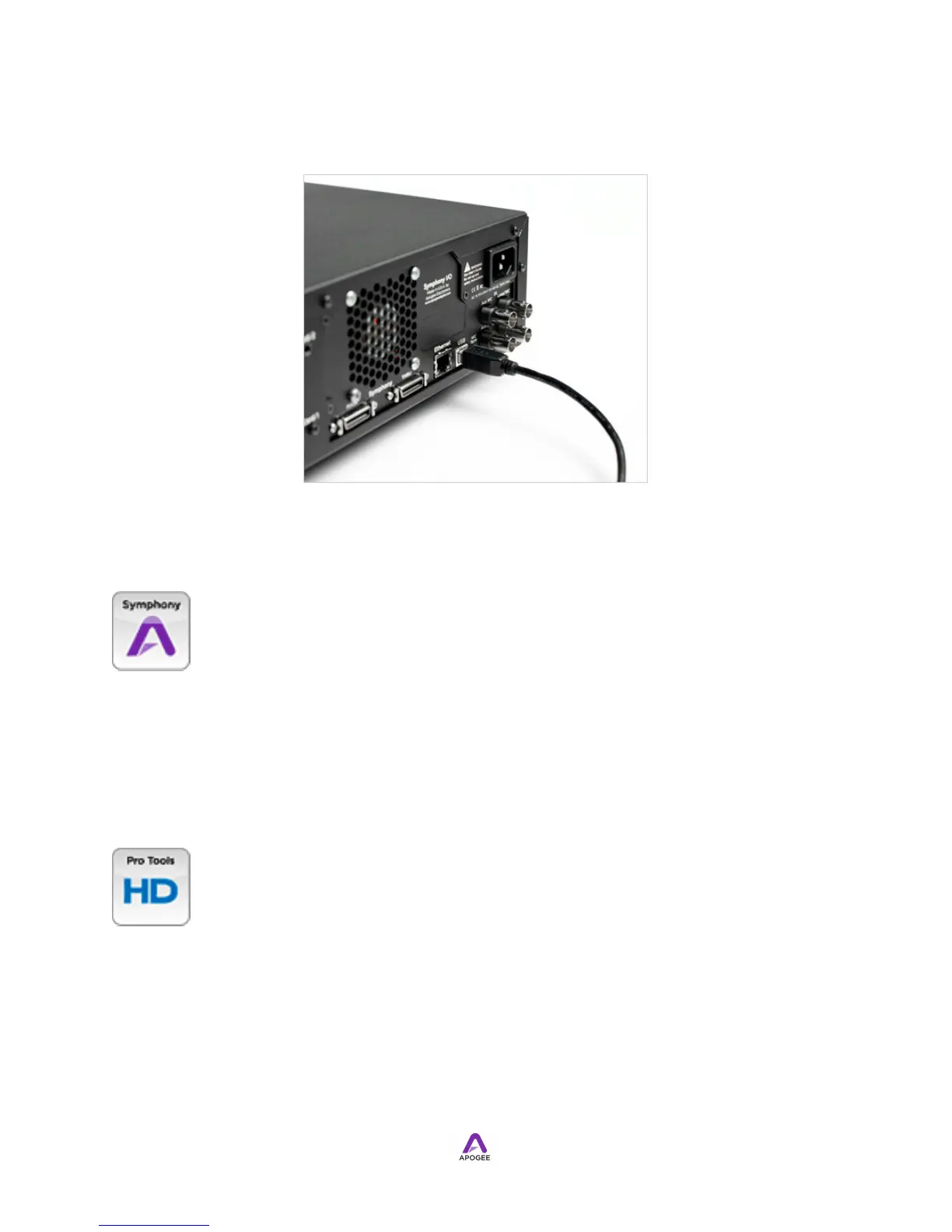
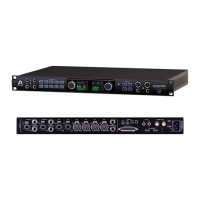
Using a standard Type A - Type B USB cable, connect Symphony I/O's USB port to an
Apple Intel Mac USB port. Ensure that the cable is certified for USB 2.0 operation.
Symphony Audio Interface Mode
When Audio Interface Mode is set to Symphony PCI, the USB port is used for updating
firmware only. See Updating Firmware for details.
!
Pro Tools HD Audio Interface Mode
When Audio Interface Mode is set to Pro Tools HD, a USB connection between
Symphony I/O and an Intel Mac provides the link between Apogee Maestro software
and Symphony
I/O, in order to make calibration, meter configuration, digital format and other settings.
Symphony I/O's clock source and sample rate are set from Pro Tools software, and
don't require the USB connection. The USB connection is only required to make
Maestro settings, and may be removed once settings are complete. Note that the audio
and USB connections don't have to be made to the same computer, allowing


 To Next Page