•
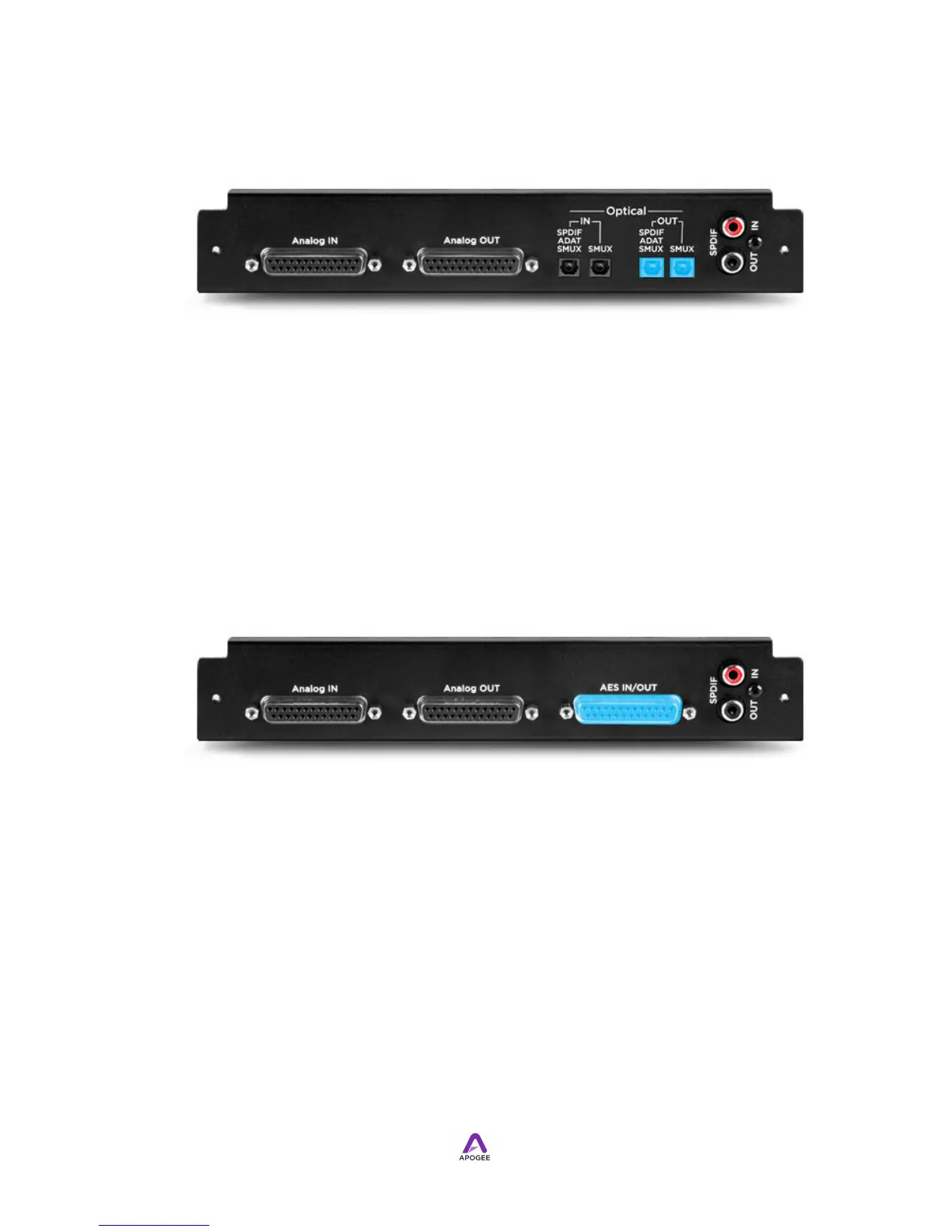
16 Analog In + 16 Optical Out
• Connect ADAT outputs to the S/PDIF-ADAT-SMUX Out Toslink connectors.
• When using SMUX format devices (ADAT format at 88.2-96kHz sample rate),
connect channels 1-4 to S/PDIF-ADAT-SMUX Out and channels 5-8 to SMUX Out.
• Connect S/PDIF optical Outputs to the S/PDIF-ADAT-SMUX Out Toslink
connectors, and set Optical format (in Maestro’s Device Settings tab window) to
S/PDIF.
AES In/Out
The AES In/Out connectors are found on these IO Modules:
!
•
8 Analog I/O + 8 AES I/O
• Connect AES inputs and outputs to the AES In/Out DB-25 connector, using an
Apogee AES-IFC breakout cable or equivalent.



 To Next Page