Setting the Clock Source
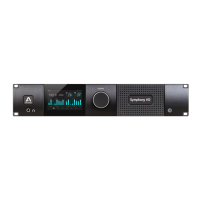
Setting the Clock Source is one of the first steps when configuring your Symphony I/O
system. Depending on the Audio Interface Mode, the Clock Source may be set from
Symphony I/O’s front panel, from Maestro’s System Setup tab, or from Audio MIDI
Setup. See specific instructions for each Audio Interface Mode below:
!
Symphony Audio Interface Mode
!
When Audio Interface Mode is set to Symphony, the following instructions apply:
!
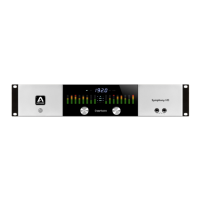
To set clock source from Symphony I/O’s front panel:
1. Press and hold the left hand encoder until the current clock source is shown on the
OLED Display.
2. Turn the left hand encoder to select the desired clock source.
3. When selecting Digital, turn the right hand encoder to select the specific digital inp
¡ut to be used as the clock source.
4. Click either encoder to confirm the new clock source selection.
To set clock source from Maestro software.
1. Click the System Setup tab
Choose the desired entry in the Clock Source drop down menu
2. To set clock source in Audio MIDI Setup:
•
Choose Window > Show Audio Window if the Audio Devices list isn’t visible.
•
Click on Symphony 64 in the left hand devices list.
•
Select the desired source in the Clock Source drop down menu
!
!


 To Next Page