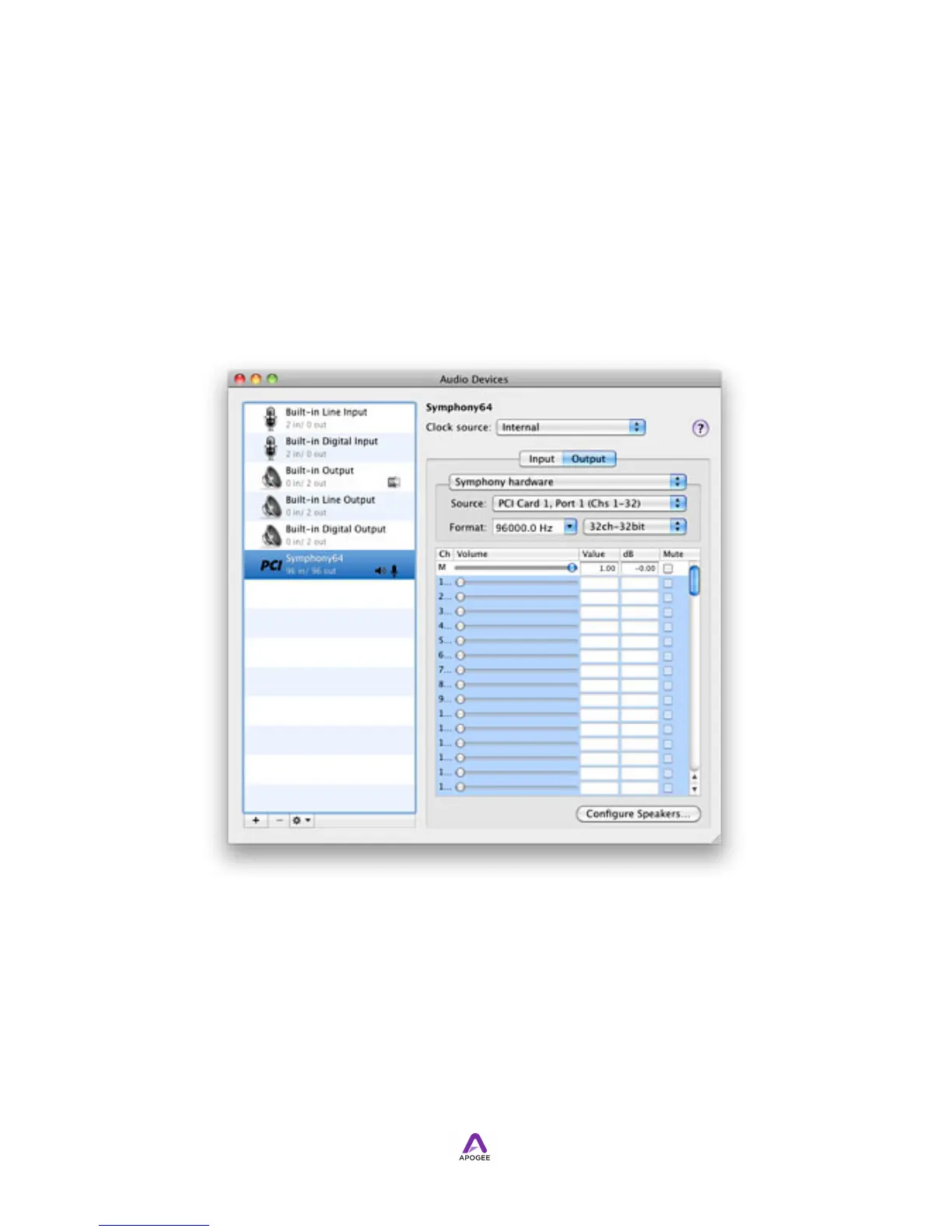
Configuration Settings in OS X Audio MIDI Setup
Symphony I/O may be selected for Mac Sound I/O in Audio MIDI Setup.
1. To open Audio MIDI Setup, choose Applications > Utilities > Audio MIDI Setup.
2. In AMS, choose Window > Show Audio Window.
3. In the left hand Devices column, select Symphony 64.
4. Set Clock Source to the desired source.
5. Ensure that Source is set to PC Card 1, Port 1 (Chs 1-32).
6. Set Format to the desired sample rate. If Logic Pro is open, the sample rate of
the session overrides the Format setting.
!



 To Next Page