Chapter 2 Design the Standard Curve Experiment
Create a New Experiment
19
Applied Biosystems 7500/7500 Fast Real-Time PCR System Getting Started Guide for Standard Curve
Experiments
Notes
Create a New Experiment
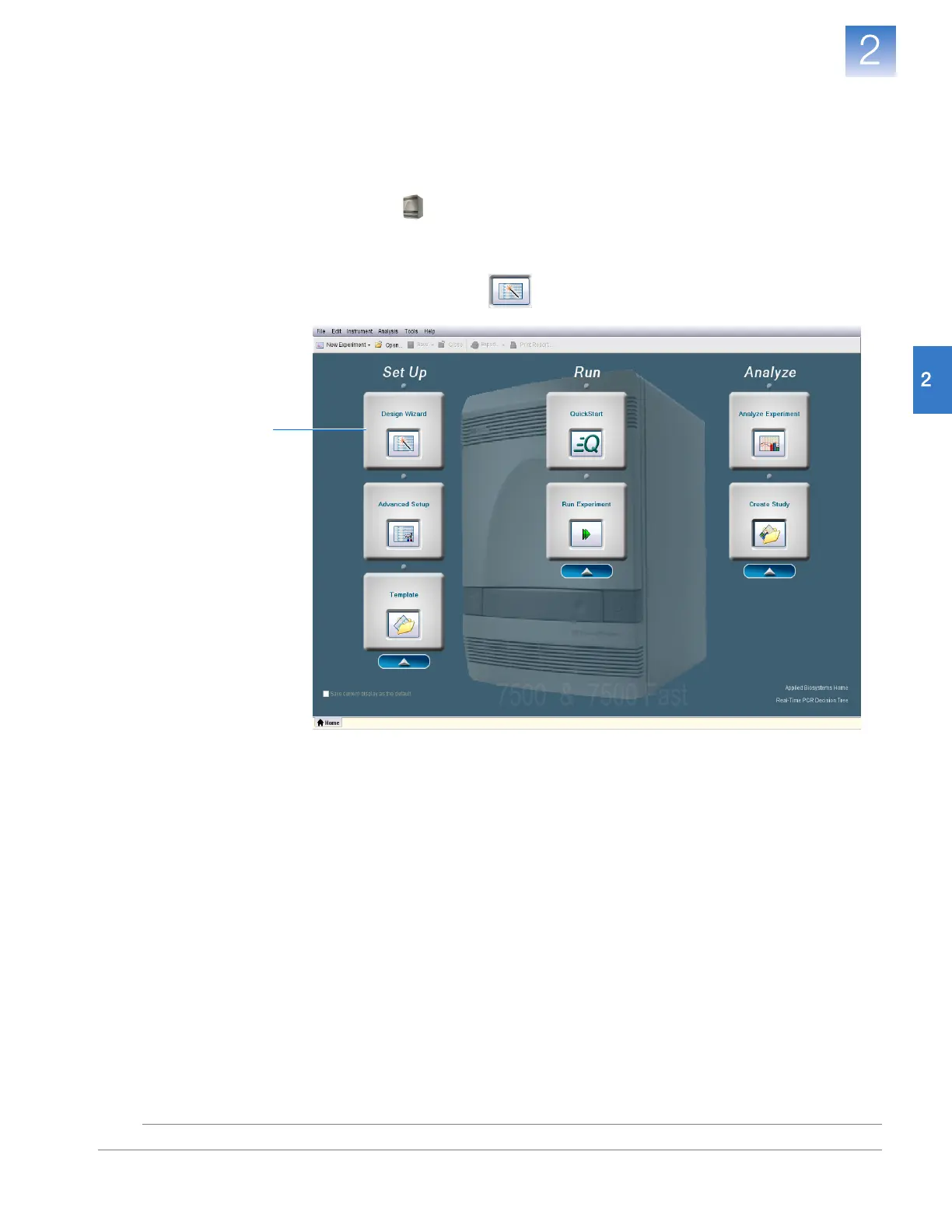
Create a new experiment using the Design Wizard in the 7500 software:
Create an
Experiment
1. Double-click (7500 software) or select StartAll ProgramsApplied
Biosystems7500 Software<software name>
where <software name> is the current version of the 7500 software.
2. In the Home screen, click Design Wizard to open the Design Wizard.
2












 To Next Page