Chapter 5 Analyze the Experiment
View the Analysis Settings
Applied Biosystems 7500/7500 Fast Real-Time PCR System Getting Started Guide for Standard Curve
Experiments
86
Notes
View the Analysis Settings
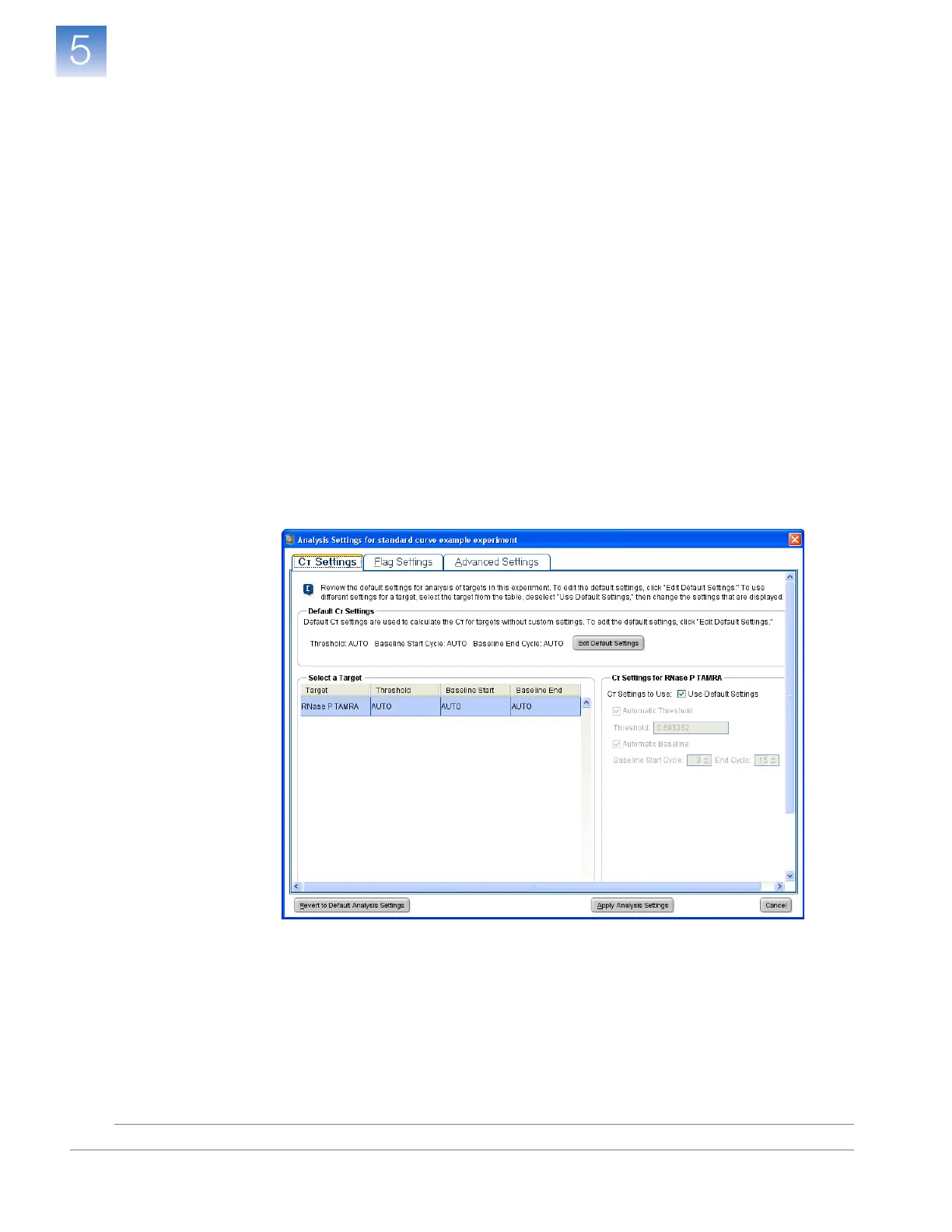
The Analysis Settings dialog box displays the analysis settings for the threshold cycle
(C
T
), flags, and advanced options. If the default analysis settings in the 7500 software are
not suitable for your experiment, you can change the settings in the Analysis Settings
dialog box, then reanalyze your experiment.
About the
Example
Experiment
In the standard curve example experiment, the default analysis settings are used without
changes.
View the Analysis
Settings
1. In the navigation pane, select Analysis.
2. Click Analysis Settings to open the Analysis Settings dialog box.
3. In the example experiment, the default analysis settings are specified in the:
•C
T
Settings tab
• Flag Settings tab
• Advanced Settings tab












 To Next Page