Chapter 5 Generating Data from RQ Plates – 7500 Fast System
Exporting RQ Plate Data
Applied Biosystems 7300/7500/7500 Fast Real-Time PCR System Relative Quantification Getting Started Guide 55
Notes
FAST
FAST
5
Exporting RQ Plate Data
You can export numeric data from RQ plates into text
files, which can then be imported into spreadsheet
applications such as Microsoft Excel.
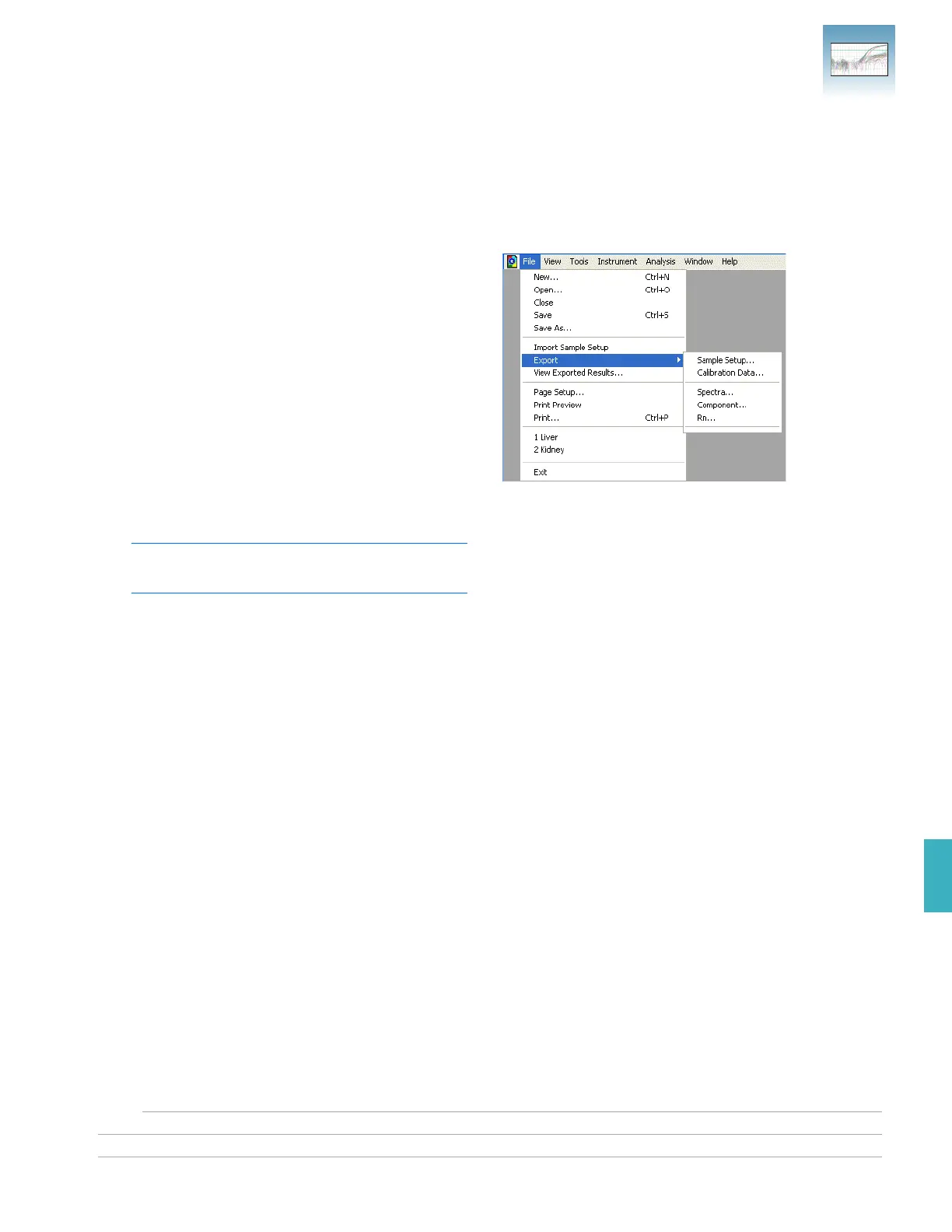
1. Select File > Export, then select the data type to
export:
• Sample Setup (*.txt)
• Calibration Data (*.csv)
• Background Spectra (*.csv)
• Component (*.csv)
• Rn (*.csv)
Typically, you export sample setup data for
newly created and newly run plates; other data
types are exported for existing plates.
2. Enter a file name for the export file.
Note: The name of the dialog box depends on
the type of data you want to export.
3. Click Save.












 To Next Page