WorldCast Equinox - Release 3.1 - user manual – 07/2011
Page 116
Whiterock Business Park - 729 Springfield Road - Belfast BT12 7FP - Northern Ireland
Tel.: +44 28 9067 7200 | Fax: +44 28 9067 7201 | http://www.aptcodecs.com | contact@aptcodecs.com
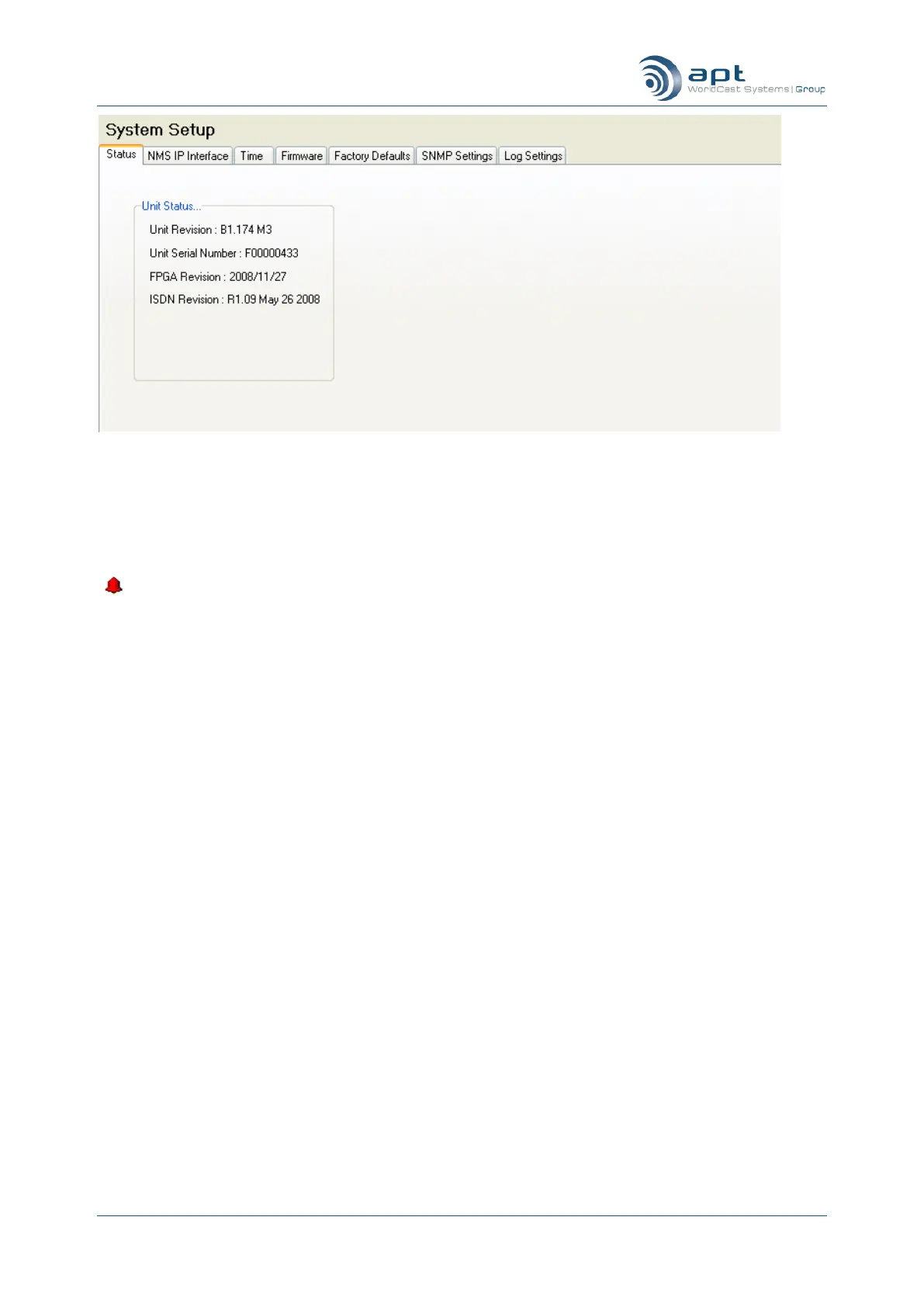
To view or change setting click on the relevant set of folders
This graphic is interactive and allows you to access the configuration details simply by clicking on the selected
folder set: System Setup, Connection Setup, Audio Mode and Aux Setup.
If there is an Audio alarm or a Connection alarm then the associated icon will turn white and an alarm
( ) indicator will appear in the bottom right hand side of the icon for the folder set.



 To Next Page