WorldCast Equinox - Release 3.1 - user manual – 07/2011
Page 18
Whiterock Business Park - 729 Springfield Road - Belfast BT12 7FP - Northern Ireland
Tel.: +44 28 9067 7200 | Fax: +44 28 9067 7201 | http://www.aptcodecs.com | contact@aptcodecs.com
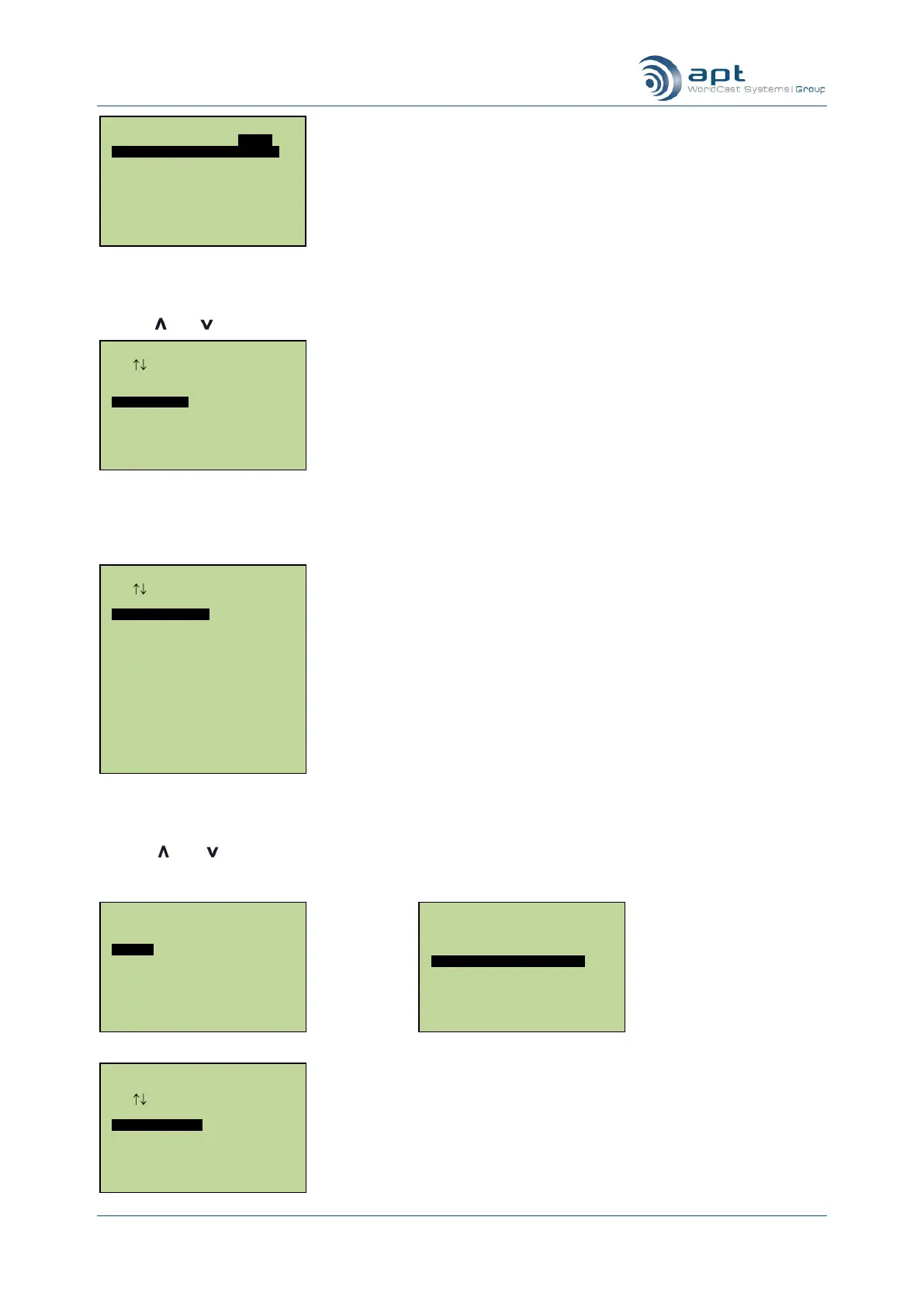
Audio configuration screen
Use the and keys to highlight Algorithm and press Ent. The following screen is displayed: -
Selecting an Audio Profile
Select No. A list of available algorithms will be displayed.
Algorithm configuration screen
Use the and keys to highlight the required algorithm (list may extend beyond the bottom of the screen)
and press Ent. The next screen to be displayed will be the mode/rate menu and its contents will depend on
which algorithm you have selected.
MPEG1 L2 Mode Setup
Use Enter To Select
Stereo
Joint Stereo
Dual Mono
Mono
NETWORK SETUP
RATES AUDIO B/W
64kbs 3.5kHz Stereo
64kbs 7.0kHz Mono
128kbs 7.0kHz Stereo
128kbs 15kHz Mono
192kbs 12kHz Stereo
192kbs 20kHz Mono
NETWORK SETUP
RATES AUDIO B/W
64kbs
128kbs
192kbs
256kbs
384kbs
Algorithm Setup
Use Enter To Select
Eapt-X16
Eapt-X24
Mpeg L3
MPEG L3 VBR
MPEG L2
G722
G711
Linear PCM 16
Linear PCM 24
MPEG 4 AAC LC
MPEG 2 AAC LC
Algorithm Setup
Use Enter To Select
Use Audio Profile
NO.
YES
Main Menu.
USER ISDN IP AUDIO
Algorithm Eapt-X16
Loopback Mode Off
Autosync On
Headphone Volume 10
Audio I/O Analogue
Dig O/P 48K



 To Next Page