WorldCast Equinox - Release 3.1 - user manual – 07/2011
Page 63
Whiterock Business Park - 729 Springfield Road - Belfast BT12 7FP - Northern Ireland
Tel.: +44 28 9067 7200 | Fax: +44 28 9067 7201 | http://www.aptcodecs.com | contact@aptcodecs.com
Quality of Service
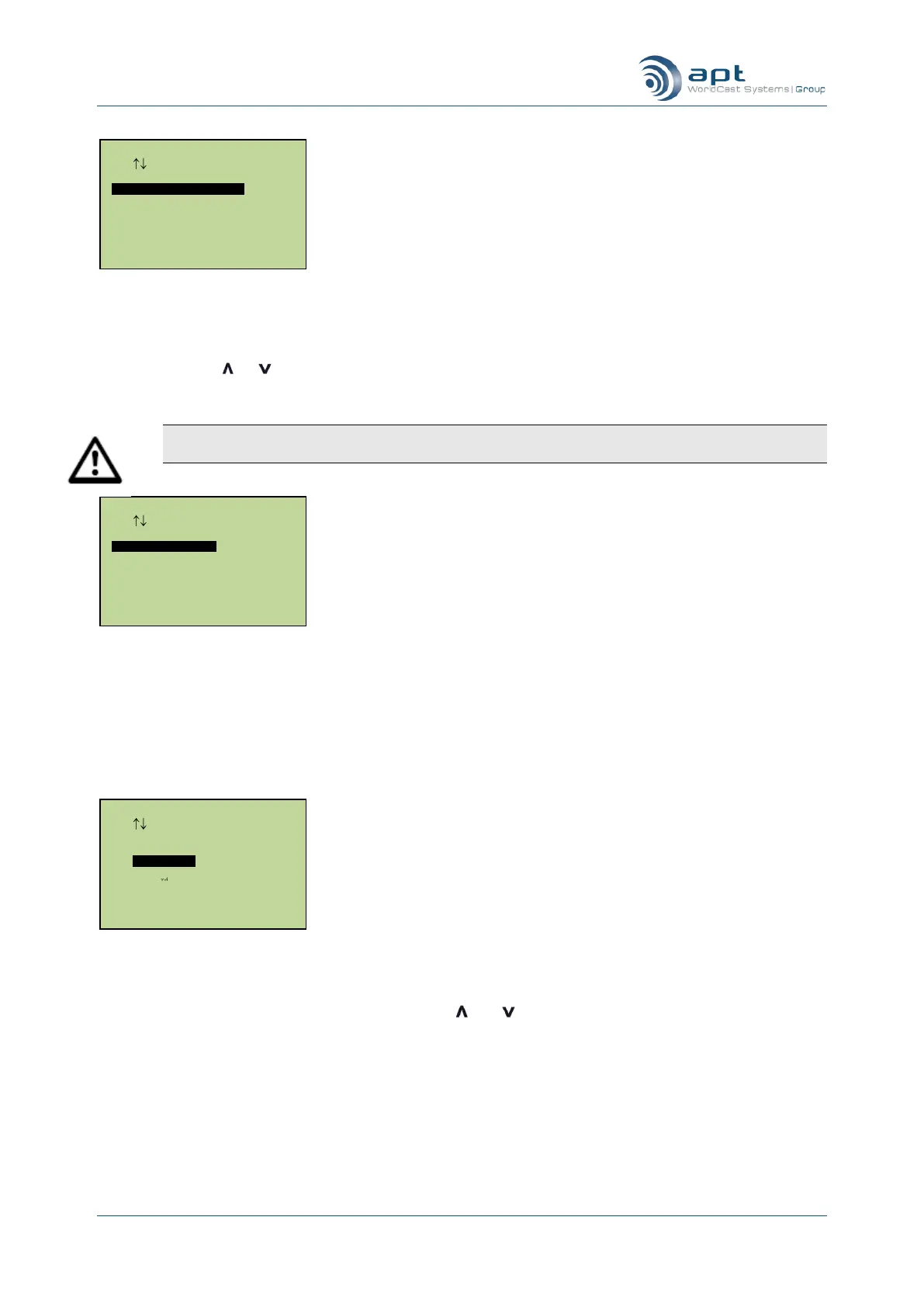
You will next be asked to enter the IP packet size for the connection. Choosing a larger packet size will im-
prove link efficiency but will introduce packetization delays and make the connection more susceptible to pack-
et errors. Use the or keys to scroll through the range of possible packet sizes (128, 192, 256, 384, 512,
768, 1024, 1280 bytes) and press Ent when the required packet size is displayed.
Note: When using 16 bit and 24 bit linear audio you must use a large packet size. Use at least 384
byte packets for 16 bit linear – you will have to use 768 byte packets for 24 bit linear stereo audio.
Configuring transmit packet size
Next you will need to select which IP mode to use for your connection. IP legacy is generally used when con-
necting to older APT codecs (pre SIP). IP 3
rd
Party Legacy is normally used when connecting to the like of an
older Mayah or Tokyo unit (pre SIP). IP NACIP should be used to communicate to all units which support SIP.
Note that for any of these modes, the unit to which you are connecting to must be set to the same or equivalent
mode. If wishing to use a SIP connection, then please refer to the section on SIP.
Configuring IPNACIP, IP legacy or 3rd party hardware
The next series of entries configure additional transmit routes if you are using multiple unicast. You can enable
up to eight additional transmit paths – the unit will use as many as you have enabled. All eight route IP ad-
dresses are displayed on screen and you can use the and keys to select a particular address and change
it. To disable a route change the IP address to 000.000.000.000.
IP Directory Setup
Use Enter To Select
Transmitting To
IP Legacy
IP NACIP
IP 3 party Legacy
IP Directory Setup
Use Enter To Select
Pkt Size 128
IP Directory Setup
Use Enter To Select
Transmit QoS 27



 To Next Page