WorldCast Equinox - Release 3.1 - user manual – 07/2011
Page 94
Whiterock Business Park - 729 Springfield Road - Belfast BT12 7FP - Northern Ireland
Tel.: +44 28 9067 7200 | Fax: +44 28 9067 7201 | http://www.aptcodecs.com | contact@aptcodecs.com
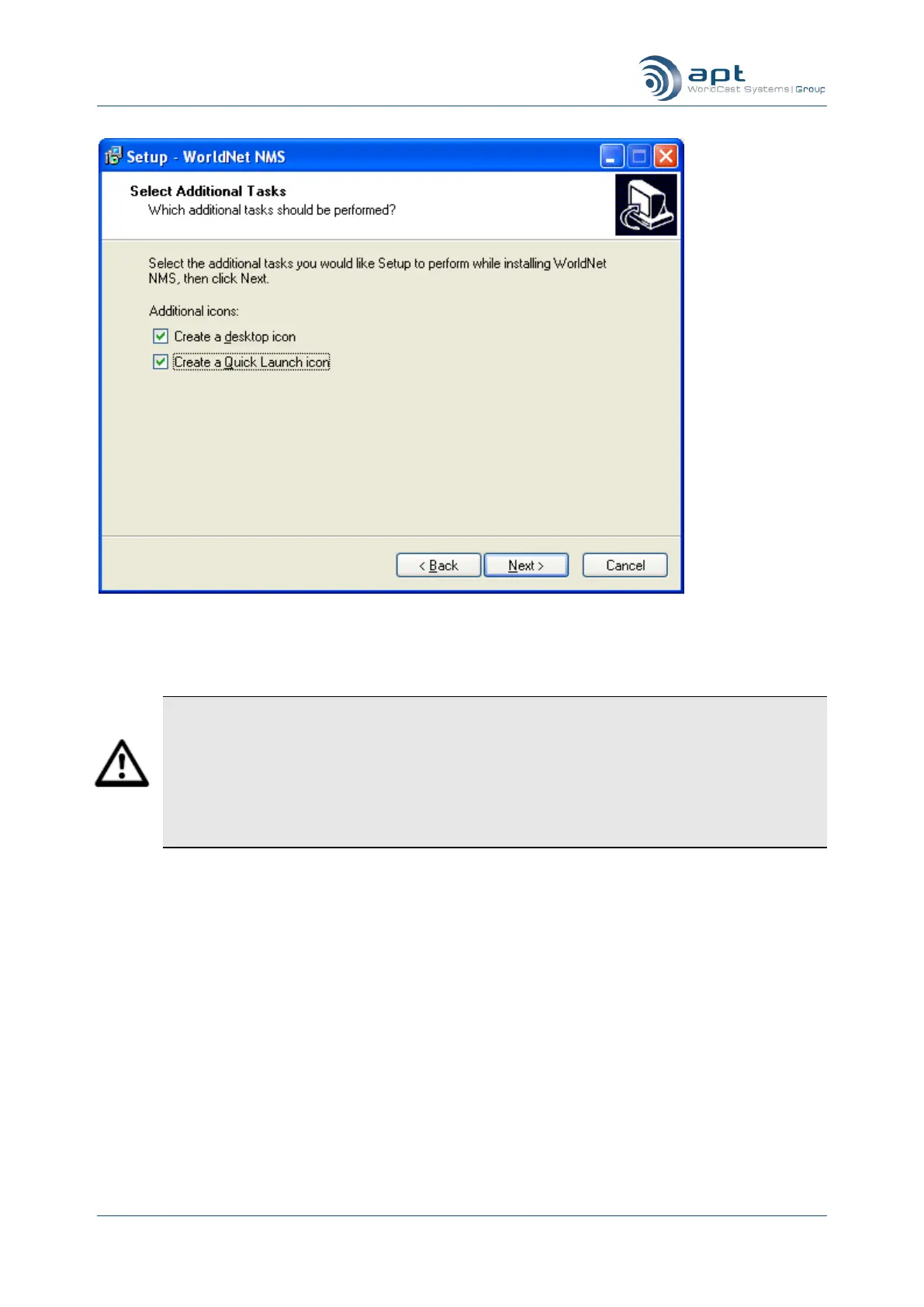
Click Install to install the CMS and Finish on the last screen to complete.
To get started with the CMS application, ensure that the cabling is properly connected from the
WorldCast Equinox to the PC, and that one of your service PC‟s Ethernet cards has an IP ad-
dress within the range of 192.168.100.0 to 192.168.100.255. WorldCast Equinox units are set
and clearly labeled with an IP address within this range as a factory default – usually
192.168.100.110.
The CMS application will remain inactive until a link is established between the service PC and
an active WorldCast Equinox.



 To Next Page