151
Handset Settings
AQUOS zero2
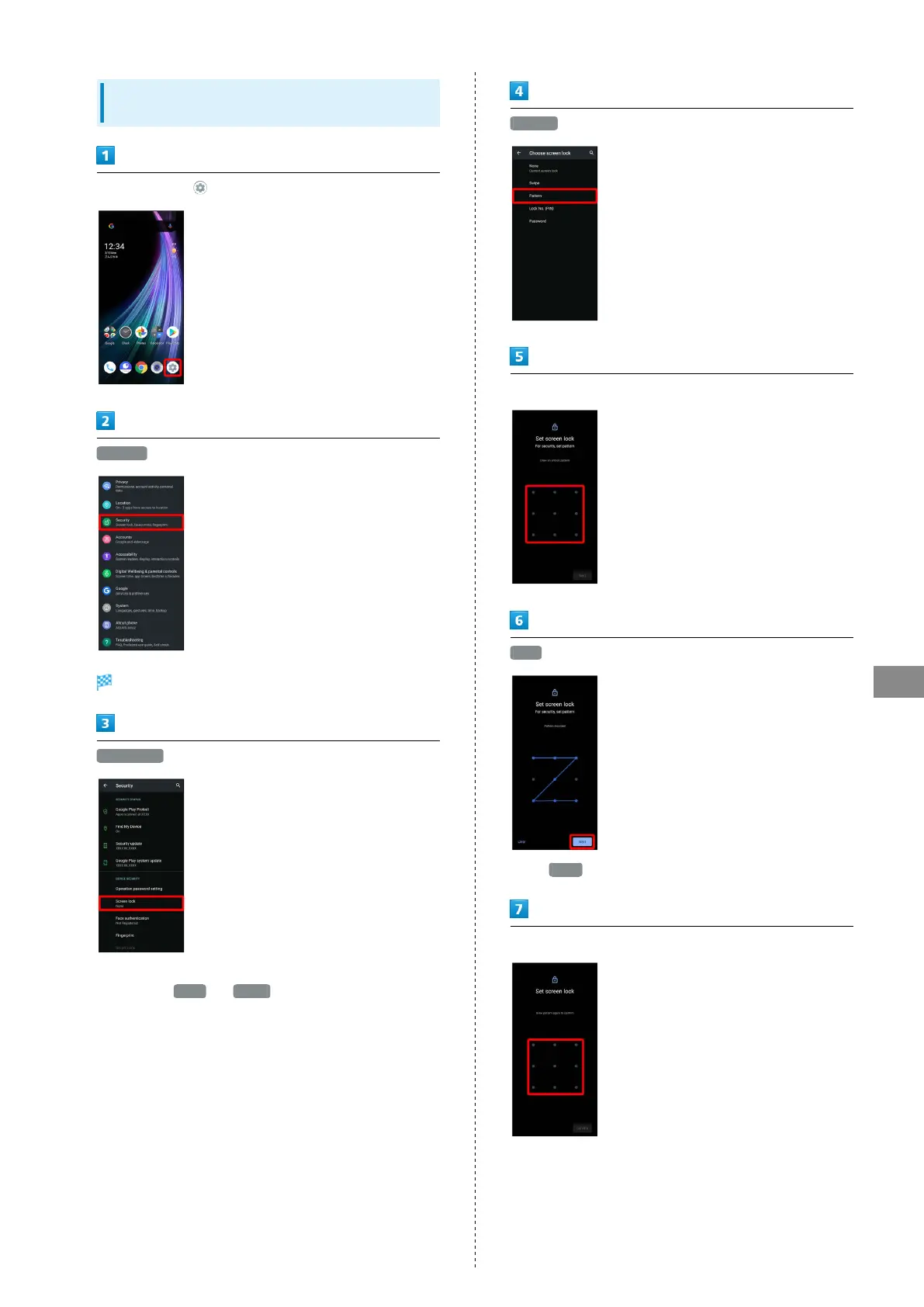
Setting Screen to Unlock by Tracing
Pattern
In Home Screen, (Settings)
Security
Security menu opens.
Screen lock
・If method for unlocking screen before change is setting
other than None or Swipe , first unlock screen.
Pattern
Enter new pattern
Next
・
Tap Clear to erase entered pattern.
Enter new pattern again



 To Next Page