152
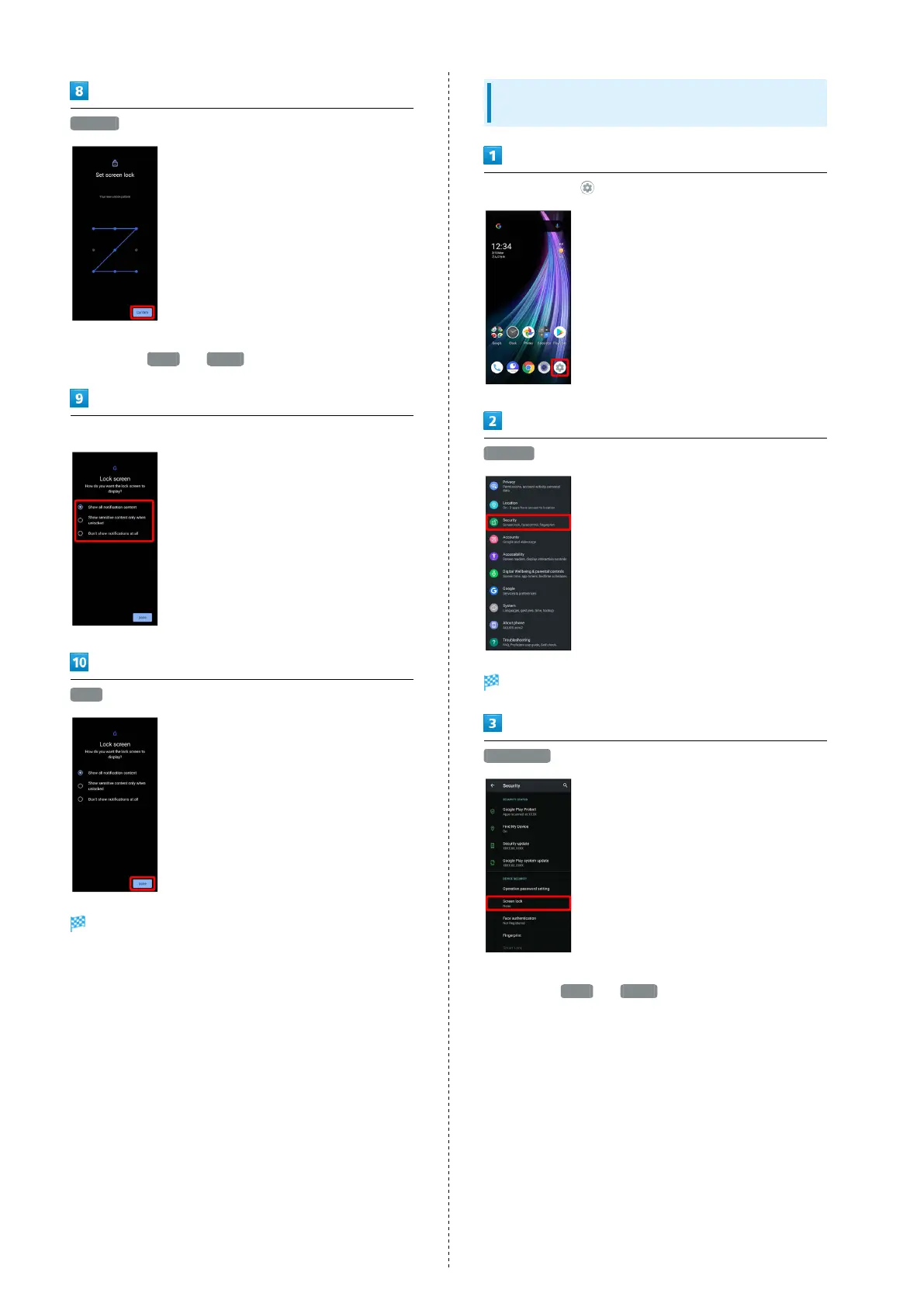
Confirm
・If method for unlocking screen before change is setting
other than None or Swipe , setting is complete.
Select method of notification display
Done
Setting is complete.
Requiring Lock No. (PIN) Entry for
Unlocking Screen
In Home Screen, (Settings)
Security
Security menu opens.
Screen lock
・If method for unlocking screen before change is setting
other than None or Swipe , first unlock screen.



 To Next Page