FUV Owner's Guide - 40
l Press again to activate the mode 2 (for example,
medium). The first two LEDs light to indicate mode
2 is active.
l Press a third time to activate mode 3 (for example,
high). All three LEDs light to indicate mode 3 is
active.
l Press once more to turn the function off (for
example, the seat heater turns off ). All LEDs go
dark.
The modes for each Control Panel feature are described
on the following pages:
Windshield Wiper
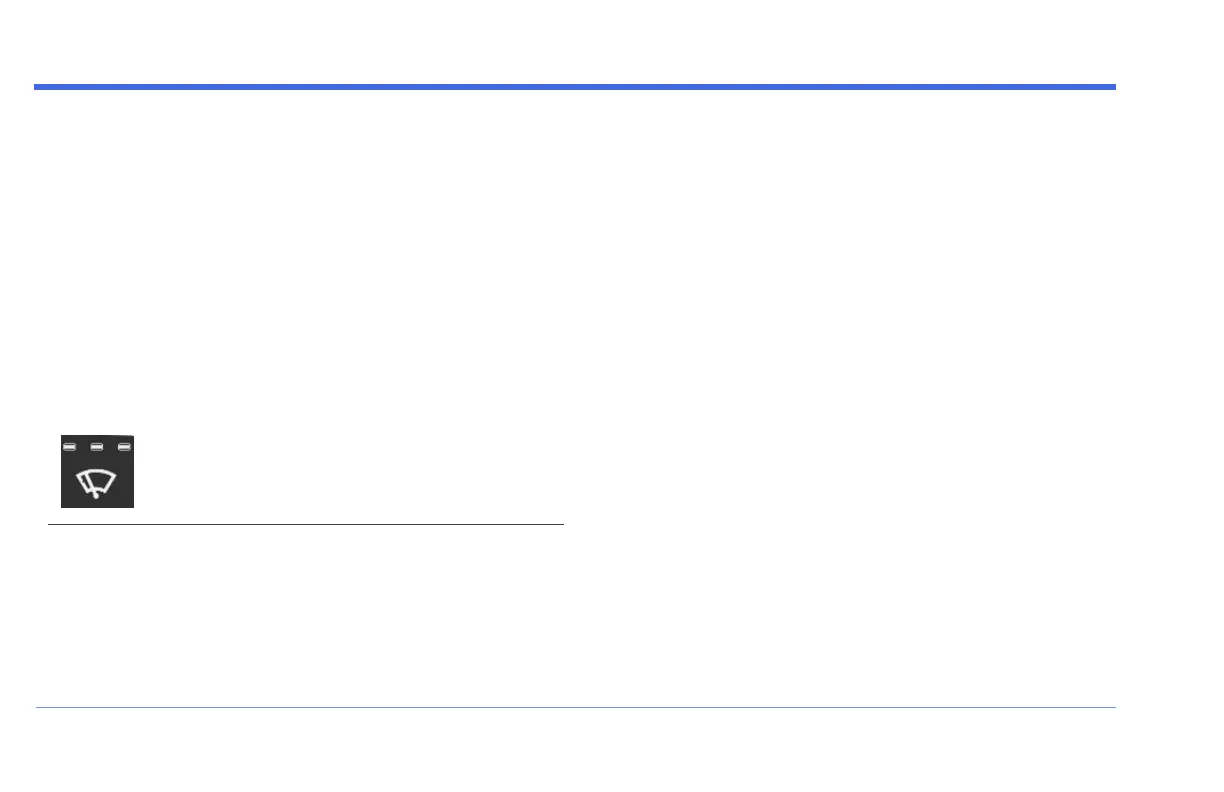
The Windshield Wiper button provides three wiper
speeds: LOW, MEDIUM, and HIGH. The three LEDs on the
Windshield Wiper button indicate the current setting:
l Press once for low (the first LED is lit).
l Press again for medium (the first 2 LEDs are lit).
l Press a third time for high (all 3 LEDs are lit).
l Press once more to turn the wiper off.
Press and release the Windshield Wiper button to
increase the speed of wiper. Press and release the button
multiple times to cycle up through all speeds.
For example, press and release the button to turn the
wiper on, at LOW speed (one LED lit). Press and release
again to switch to MEDIUM speed (two LEDs lit). Press
and release once again for HIGH speed (all three LEDs lit).
If you press and release once more, the wiper cycles to
OFF (all LEDs turn off).
Press and hold the wiper button to decrease the speed of
the wiper. Press and hold the button multiple times to
cycle up through all speeds.
For example, with the Windshield Wiper set to HIGH,
press and hold the button to switch to MEDIUM. Press and
CONTROL PANEL


 To Next Page