Arkel ArLine User Manual V1.24
21.2. Adding Buildings
In ARKEL Cloud, devices are added under the buildings created by the user. Therefore, a building record must be created before
adding devices. To add a new building, click on the 'Buildings' tab in the main menu, by clicking the “Add a New Building”
button on this page, users are directed to another page where the new buildings are added. The building registration is completed
by entering the building information on this page.
Address information must be entered in the information section. In the case of an alarm in the Arkel ArLine device, the address
written here will be sent to the predefined persons with a message notification.
21.3. Adding Devices
To define a new Arkel ArLine device to the building, click on the 'Devices (Arkel ArLine)' link in the main menu on the left side
of the screen. Enter the device adding page with the 'Add New Device' button.
On the Add Device page, the building to which the device is to be added is selected and the device name is entered. The unit
registration is completed by entering a 16-digit serial number on the Arkel ArLine-M unit.
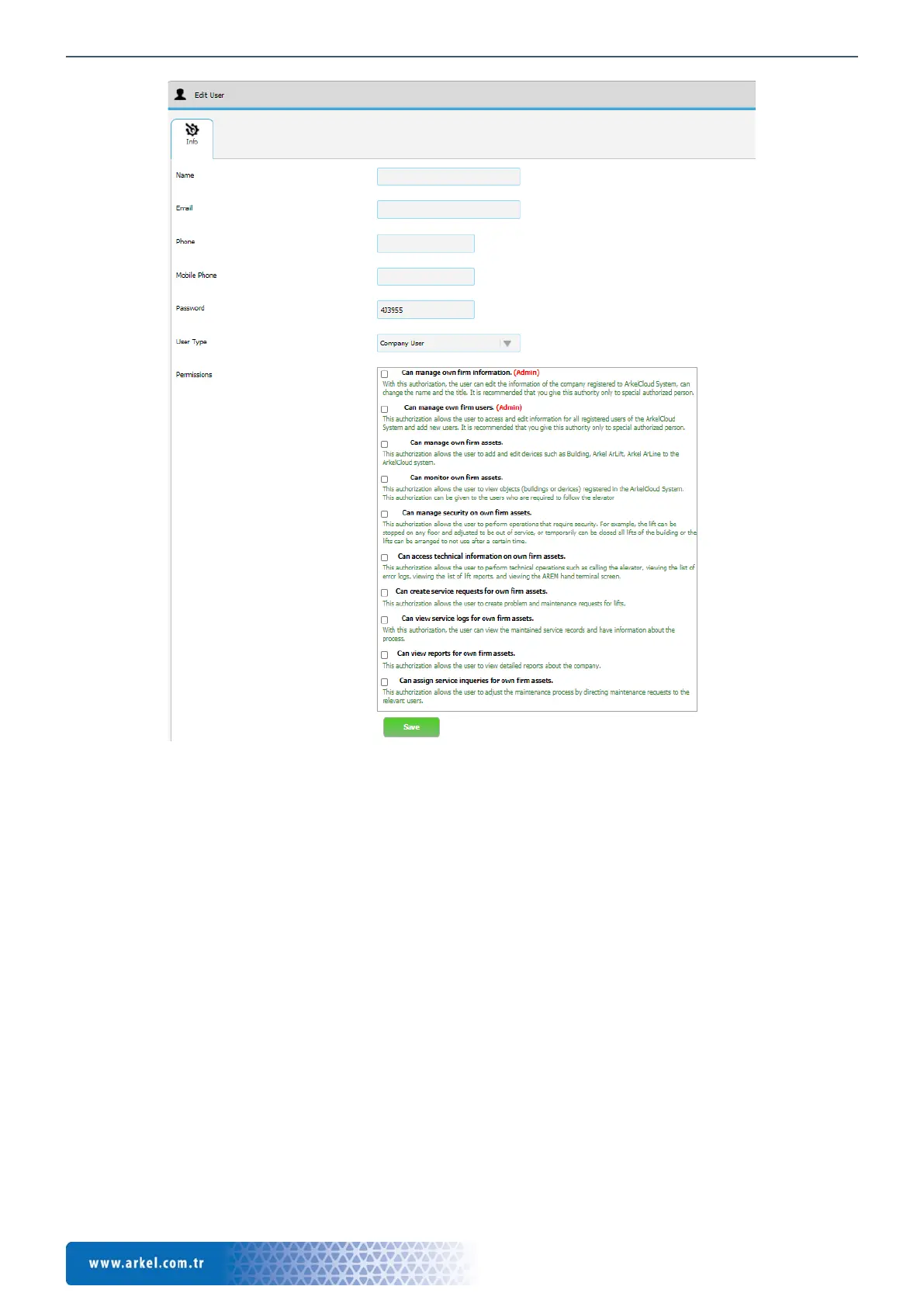
Figure 17 Cloud, User edit page


 To Next Page