152 Operator panel
AW center mode
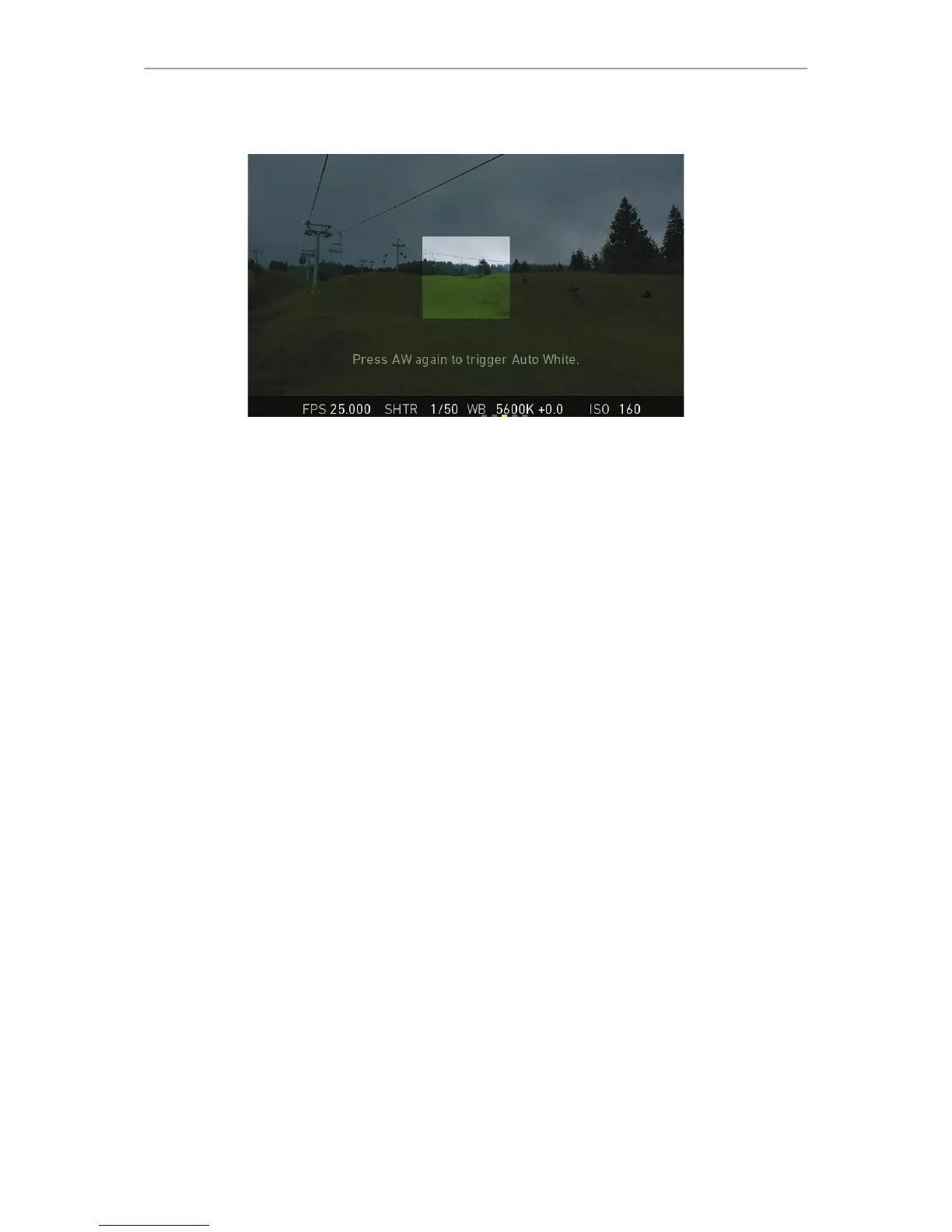
Center: Calculates the white balance based on the center area of the image.
Use Center with a gray card placed in the image center. For accurate results: Fill the
entire area with the gray card.
The camera displays an image overlay showing the center area used for calculation.
To change the AW mode, go to WB > OPTIONS.



 To Next Page