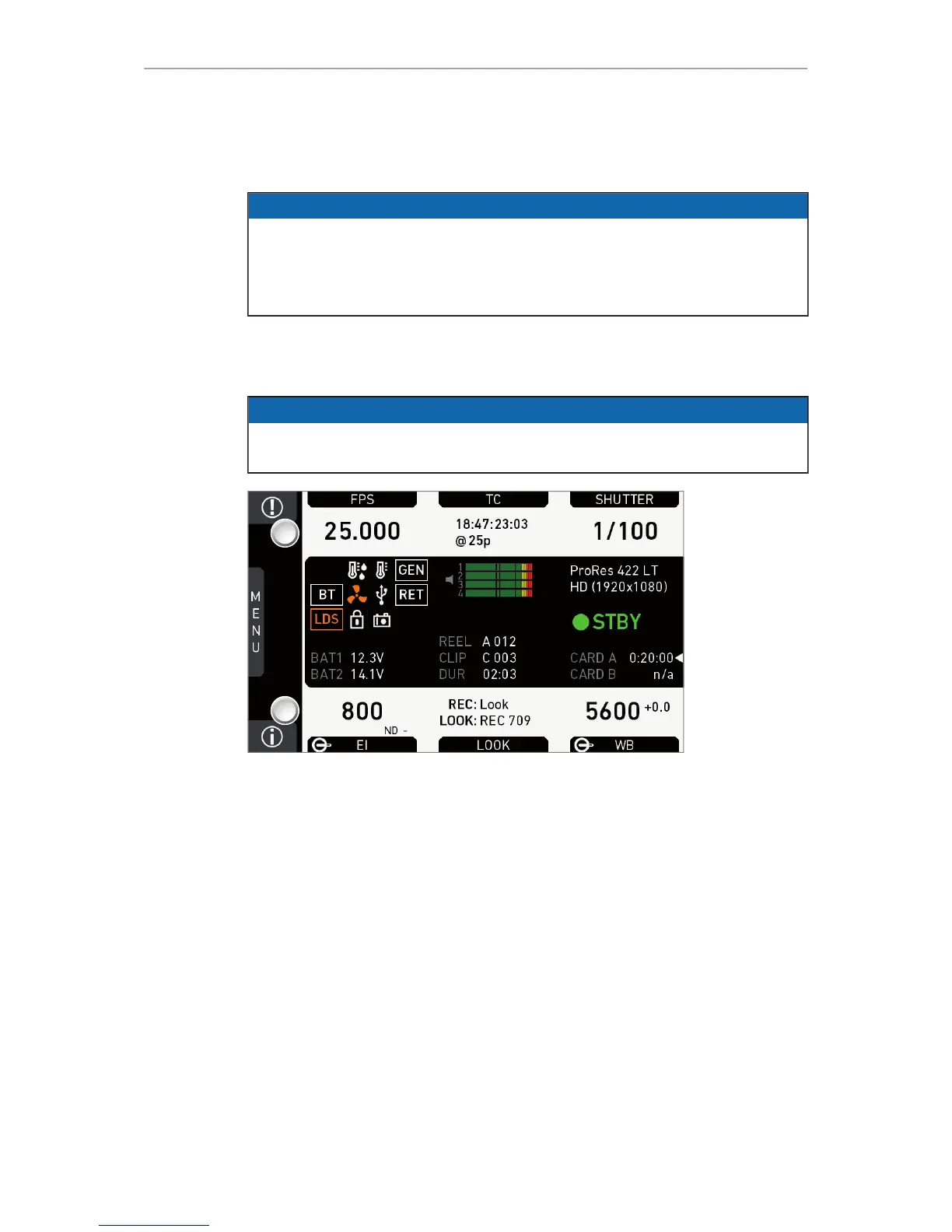
Home screen 63
14 Home screen
NOTICE
Only EI and WB home screen labels show a permanent switch icon, as these
functions have dedicated switches.
FPS, SHUTTER, and LOOK bear a switch icon only if assigned to the US switch.
You can change/edit only the value of an active switch position.
14.1 ALERT messages
NOTICE
ALERT messages communicate critical system states to the user. They require
immediate action and remain active until the critical state changes back to normal.
1. Check the home screen.
2. A red (1) icon indicates available messages.
3. Press red (1) for critical ALERT messages.











 To Next Page