44 Audio menu
10.4.2 Bluetooth
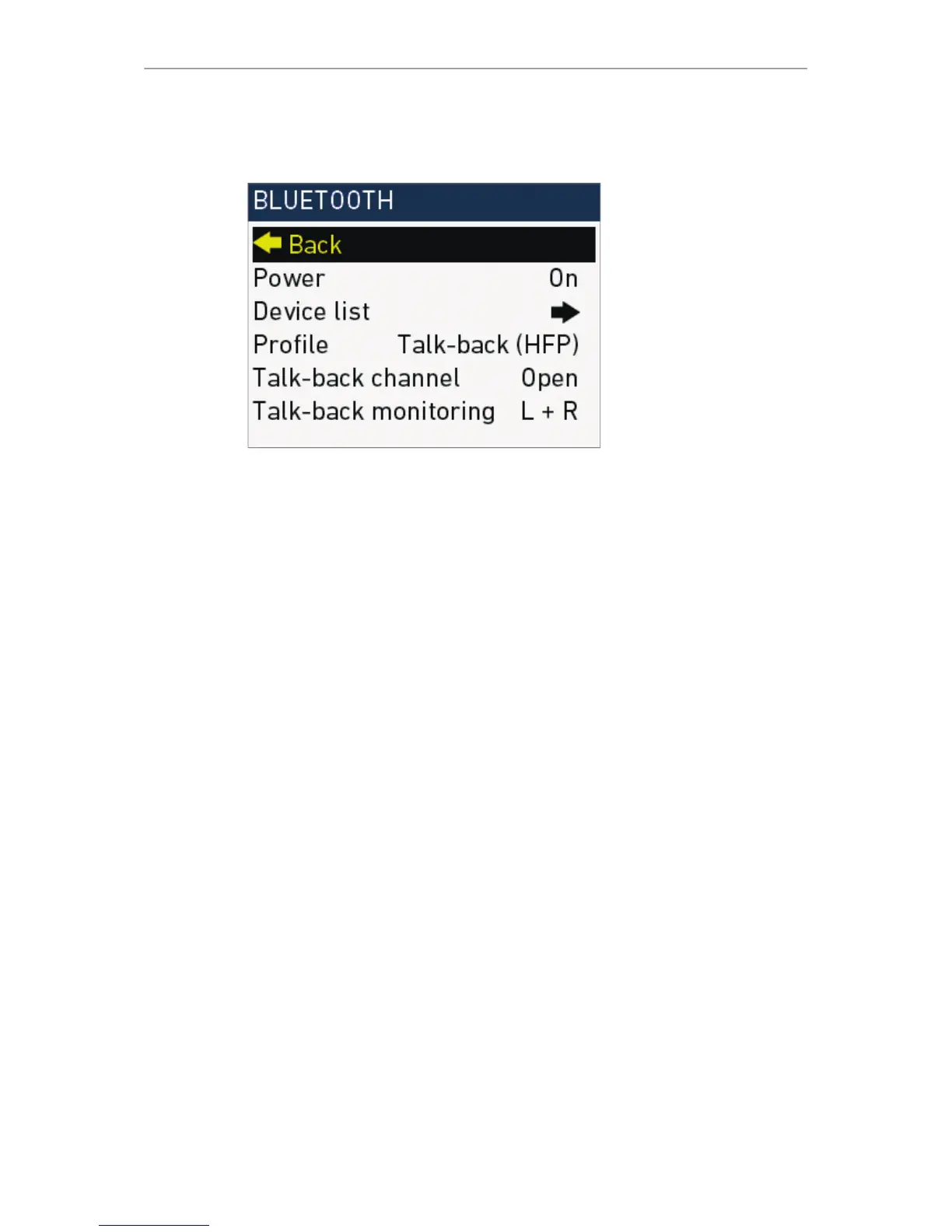
Audio > Setup > Bluetooth
Allows you to monitor audio recording with a Bluetooth headset. Monitors the same
channel configuration as the headphone out. Also allows you to record a talk-back
track (e.g., for work instructions, comments etc.).
•
Power: Switches Bluetooth on or off
•
Device list: Shows the available Bluetooth devices
•
Profile: Sets the Bluetooth connection profile
°
HFP is required for talk-back function
°
A2DP has a higher audio signal quality
°
Note: Selected profile must be supported by Bluetooth headset. A2DP
mode may, depending on the device, cause a delay of up to 5 frames. With
HFP, audio is only available on right channel (R).
•
Talk back channel: Sets the talk-back channel to Open (signal is recorded) or
Muted (signal is not recorded). Can also be assigned to a user button
•
Talk-back monitoring: Configures the monitoring of the recorded talk-back
channel to the headphones out. Configuration is also valid during playback.
Can be set to Off, L (left out), R (right out), L+R (left and right out).











 To Next Page