Lens mount/filters 33
°
Align the dots of both lens and lens mount.
°
Push the lens into the mount.
°
Turn the lens clockwise (5) until the bayonet locks.
°
Turn the lever clockwise (4) to tighten the lens to the lens mount.
8. Or: Always cap the empty lens mount.
8.3 Lens control
Control of lens iris is possible with ENG PL mount and EF lenses. You can control the
iris manually, via user button, or via auto iris.
8.3.1 Manual iris adjustment
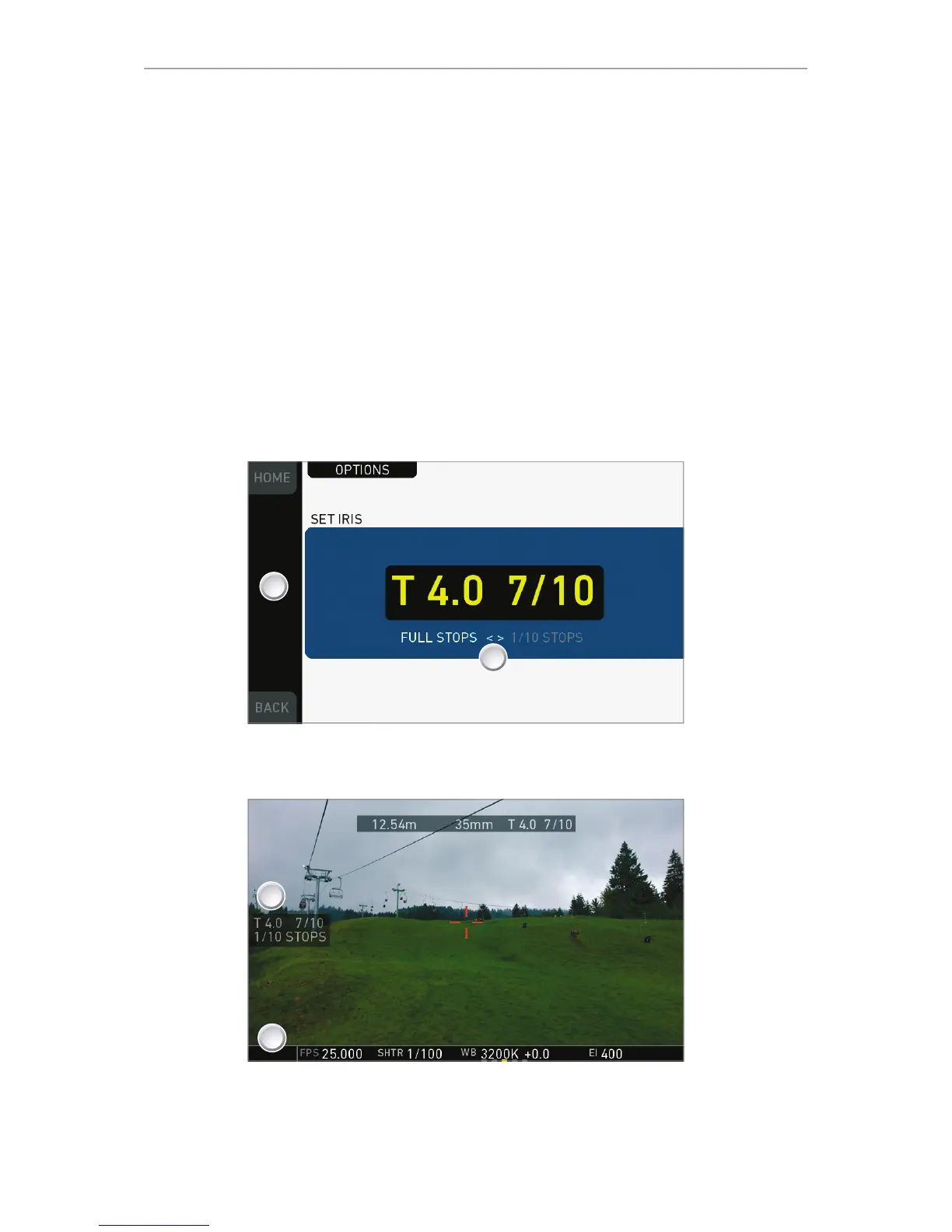
HOME > EI > IRIS
Pressing the wheel (1) changes the step size between full and sub-stops (2). Note:
Sub-stop precision depends on the lens type and is automatically set by the camera.
On the live screen, you can activate and deactivate iris adjustment (1) by short-
pressing the lower round (not oval!) button (2). Keeping the button pressed (2)
activates iris adjustment until it is released. (2). Note: Depending on the image flip, the
round buttons may appear on the right.











 To Next Page