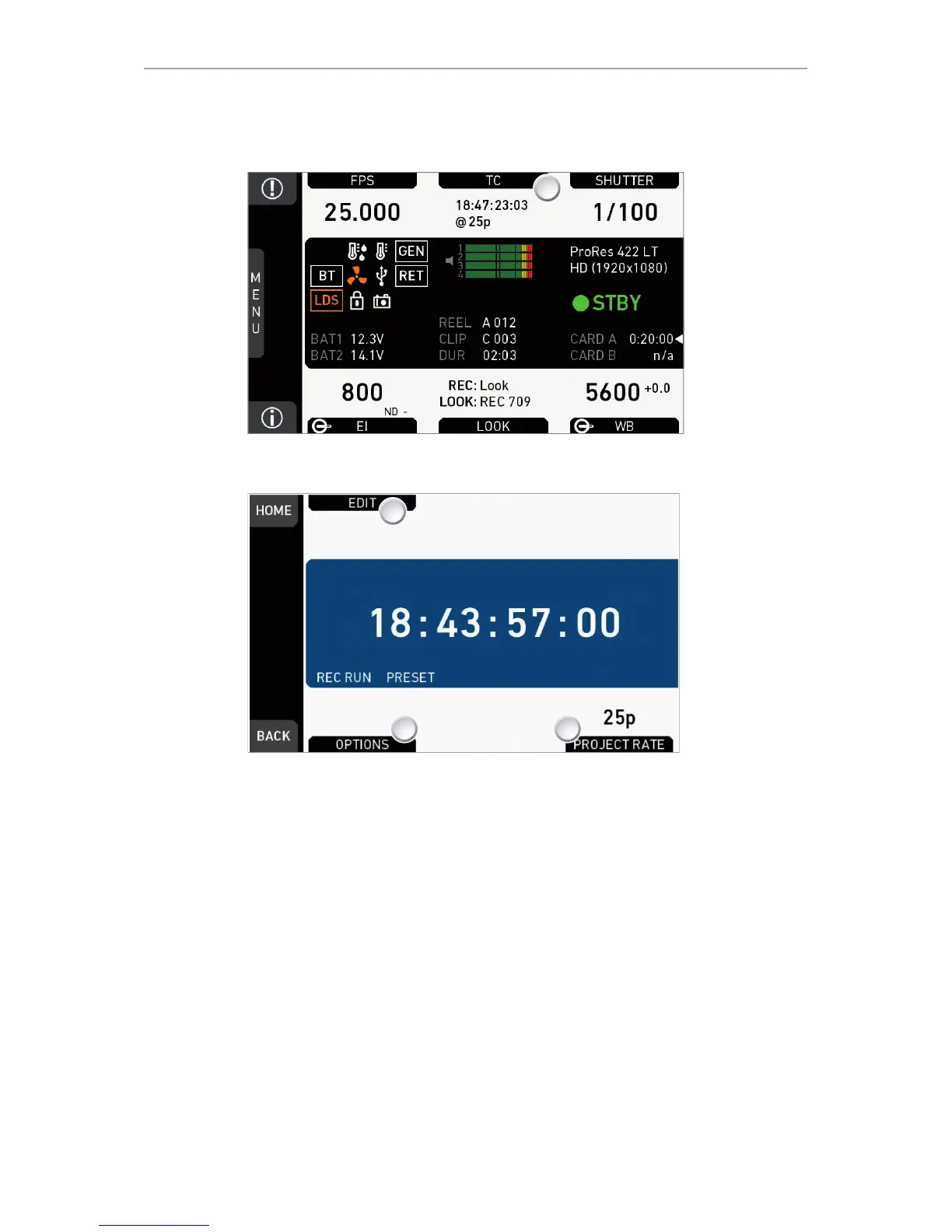
2. Current timecode and project rate show.
3. To change the active format: Press OPTIONS (2).
4. To change the project rate via the recording menu: Press PROJECT RATE (3).
5. Press EDIT (1) to change the current TC value.
6. Note: EDIT (1) is available only with TC not in Regen mode.
°
Disable Regen via OPTIONS > Mode > Preset (2).











 To Next Page