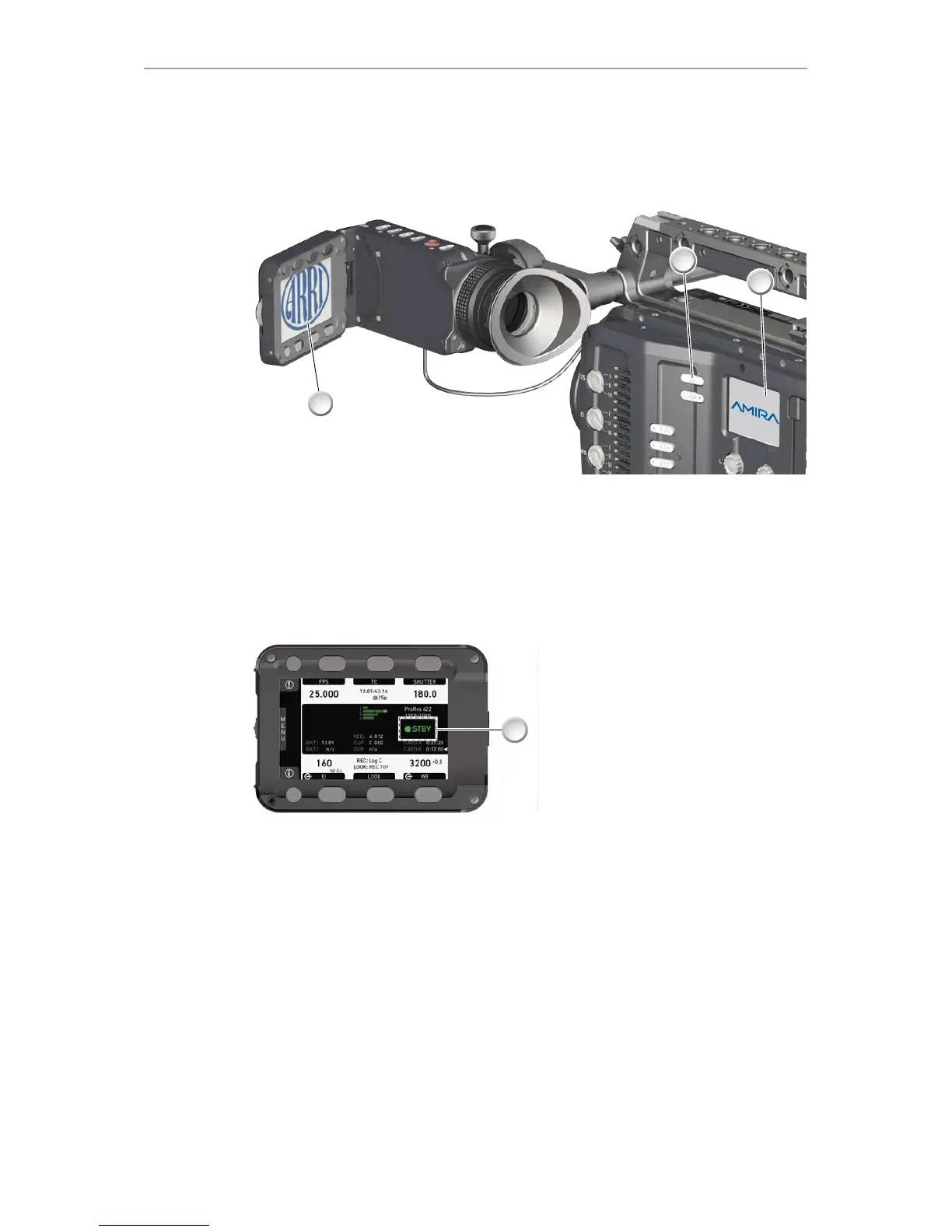
1. To switch on: Press the power button (1).
2. The ARRI and AMIRA logos appear in the audio display (2) and monitor (3).
3. To switch off: Press and hold the power button (1).
4. A countdown appears in the audio display, monitor, and viewfinder.
5. On reaching zero, the camera powers off.
6. Note: The STBY icon (1) signals that the camera is ready to record.
7. If not: Insert a CFast 2.0 card. See page 153.
8. Format the card for recording.











 To Next Page