Operator panel 151
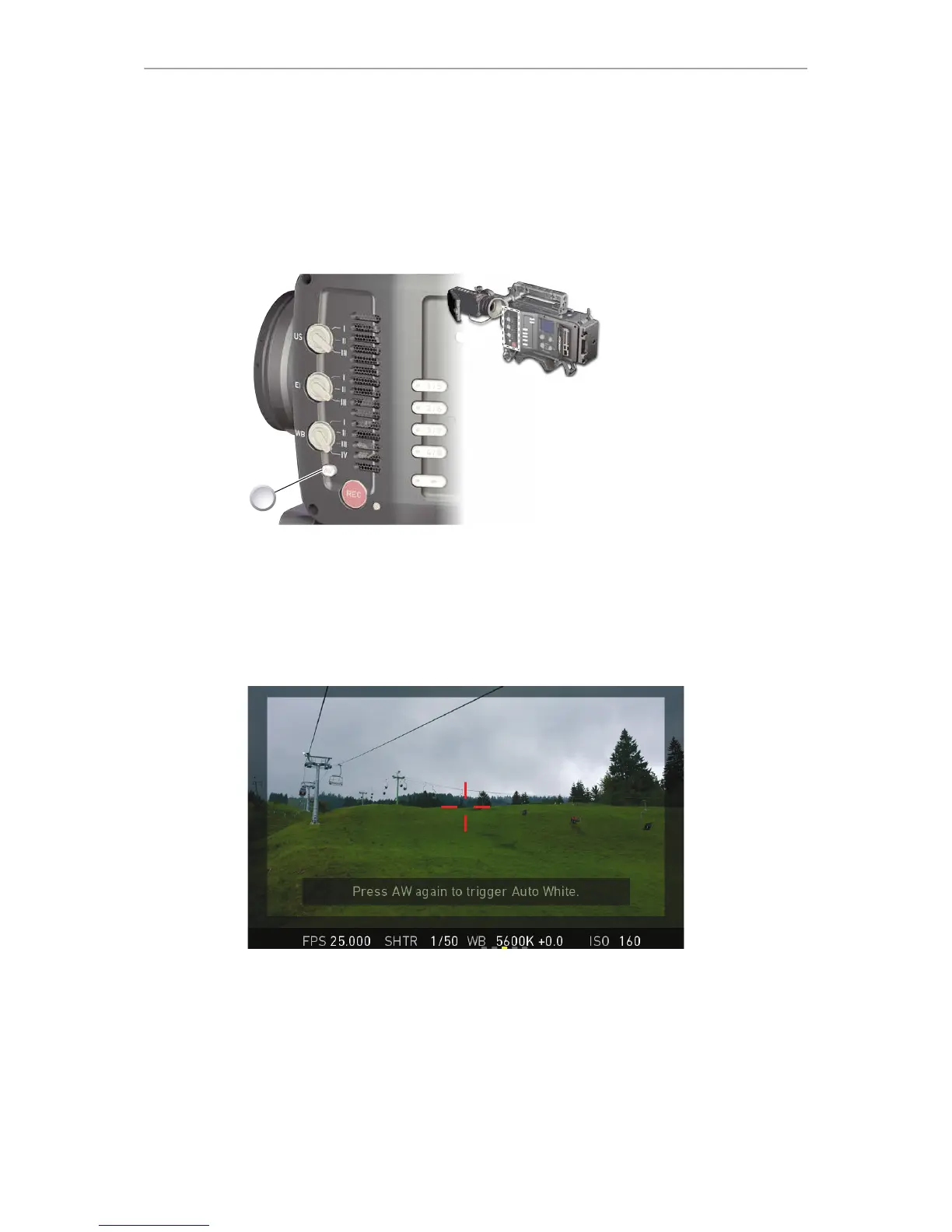
25.4 AW auto white balance button
The AW button triggers the auto white balance functionality: Based on the camera's
live image, AW calculates an automatic white balance and overwrites the active WB
settings. The AW result is stored as the preset value of the active WB position.
AW triggering
1. Note: Under- or overexposed images may cause the auto white balance to fail.
Always trigger auto white balance with properly exposed images.
2. To trigger an automatic white balance: Press AW twice within one second (1).
3. Two AW modes, Matrix and Center, are available.
AW matrix mode
Full-image-based, the algorithm determines the image content best suited for wihite
balance calculation.
Use AW matrix to calculate AW from regular image content.











 To Next Page