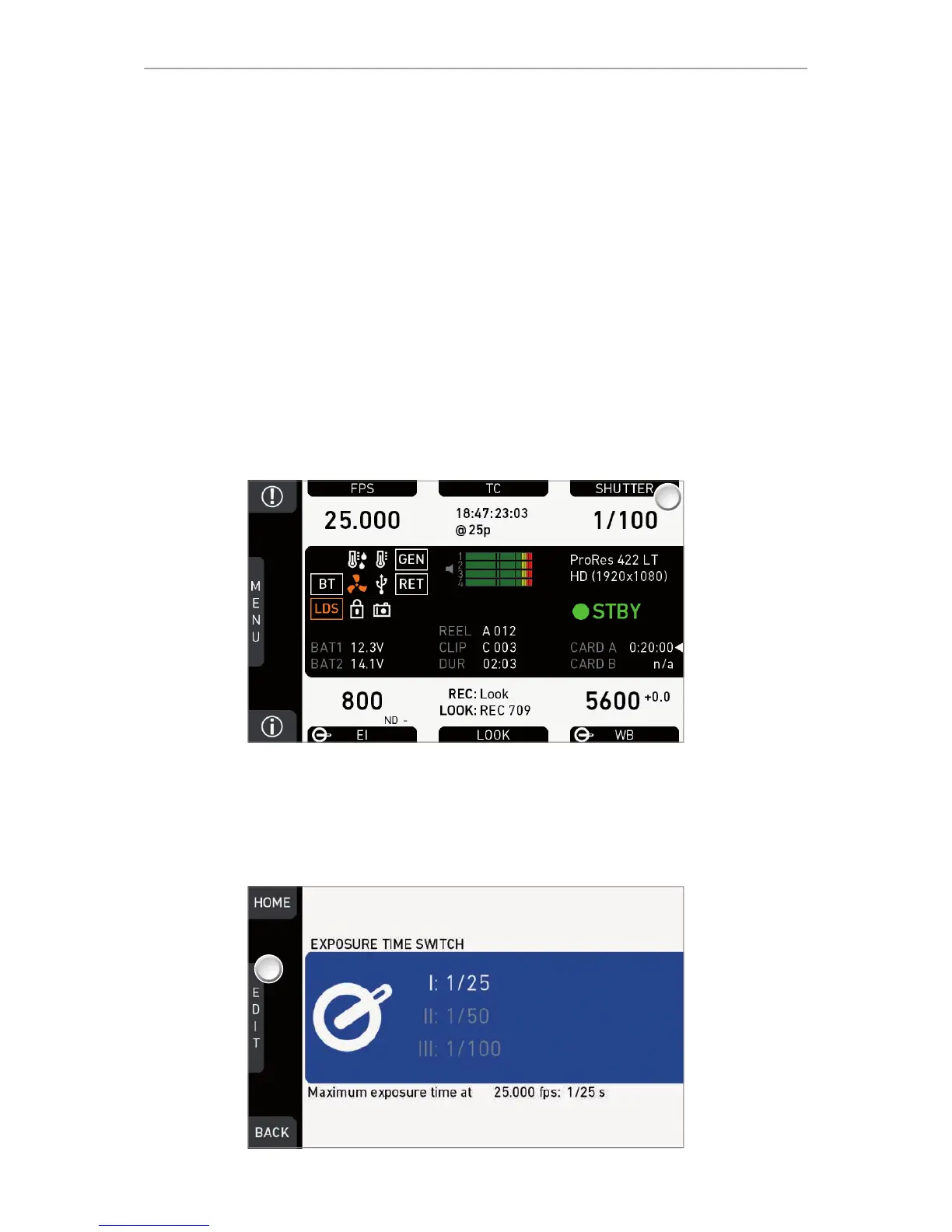
74 Home screen
Off: Connector not in use.
TC In: Camera samples TC signal from connector.
TC Out: Camera outputs internal TC signal via connector.
14.5 SHUTTER settings
You can select your preferred shutter unit: Shutter angle converts exposure time into
the angle of a virtual rotating mirror shutter as in film cameras.
Note: A fixed angle creates varying exposure times with varying frame rates. You can
set angles from 5.0 to 356.0 degrees.
Exposure time shows the effective sensor exposure time. With varying frame rates, it
remains identical and can be set from 1/1 to 1/8000 seconds.
Note: Maximum exposure time with a given frame rate is 1/fps. For constant exposure
time over the full range of used frame rates, set it to 1/(highest used frame rate).
14.5.1 Selecting a SHUTTER unit
1. Note: A switch icon next to SHUTTER (1) means: user switch is set to SHUTTER.
2. Press SHUTTER (1) to set the shutter unit:
°
No switch icon: A list opens (skip forward to "SHUTTER list").
°
With icon, a switch screen (here: exposure time) opens:











 To Next Page