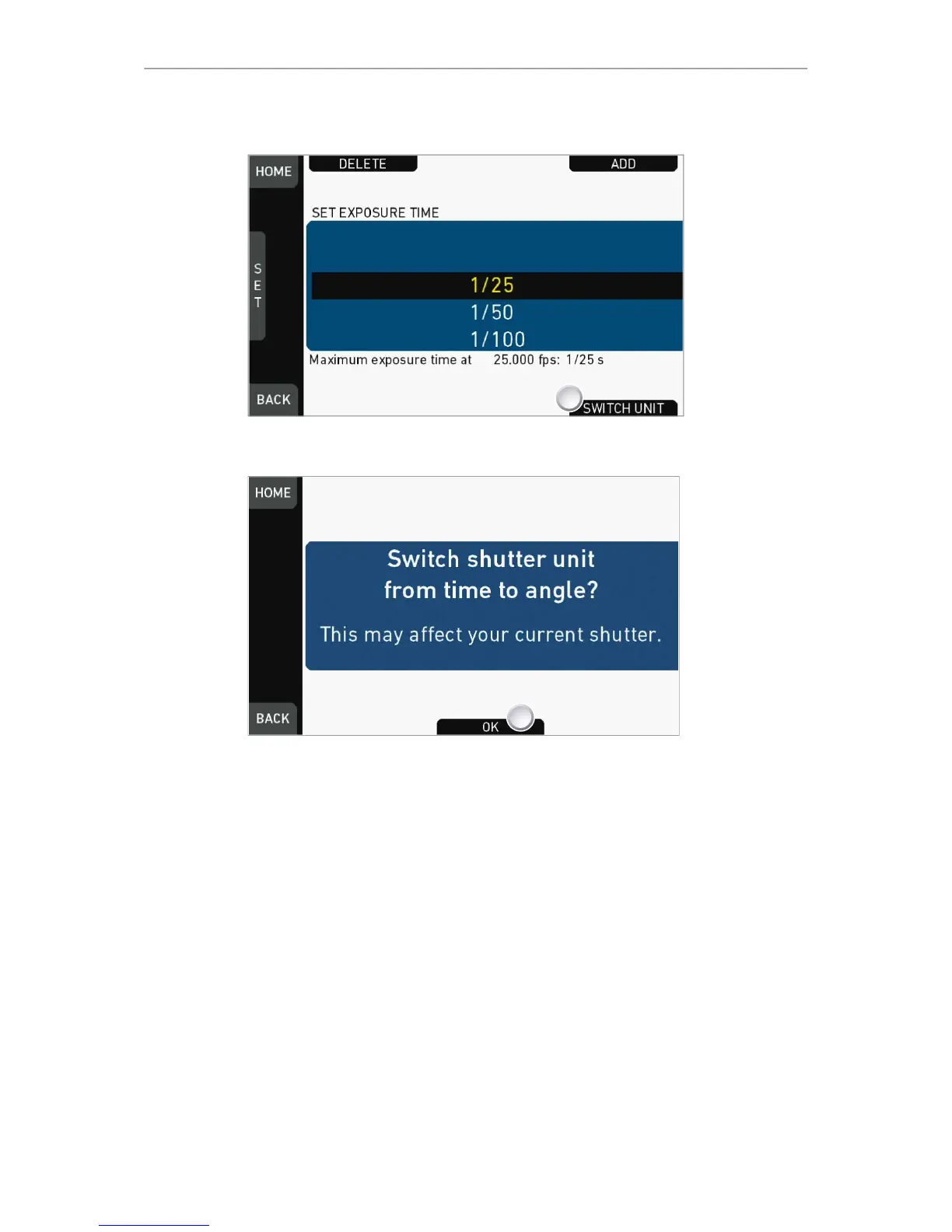
2. Confirm with OK (1).
3. The camera returns to the home screen.
4. The shutter unit has changed (e.g. from time to angle).
Note: How to adjust the shutter for filming a monitor
1. Set unit to angle.
2. Go to SHUTTER > SELECT > ADD.
3. Select the third digit (single degrees).
4. Adjust the shutter value until the monitor image flickers the least.
5. Select the fourth digit (sub-degrees).
6. Fine-adjust the shutter value until there is no more flicker visible.
7. Add the shutter value to the list.











 To Next Page