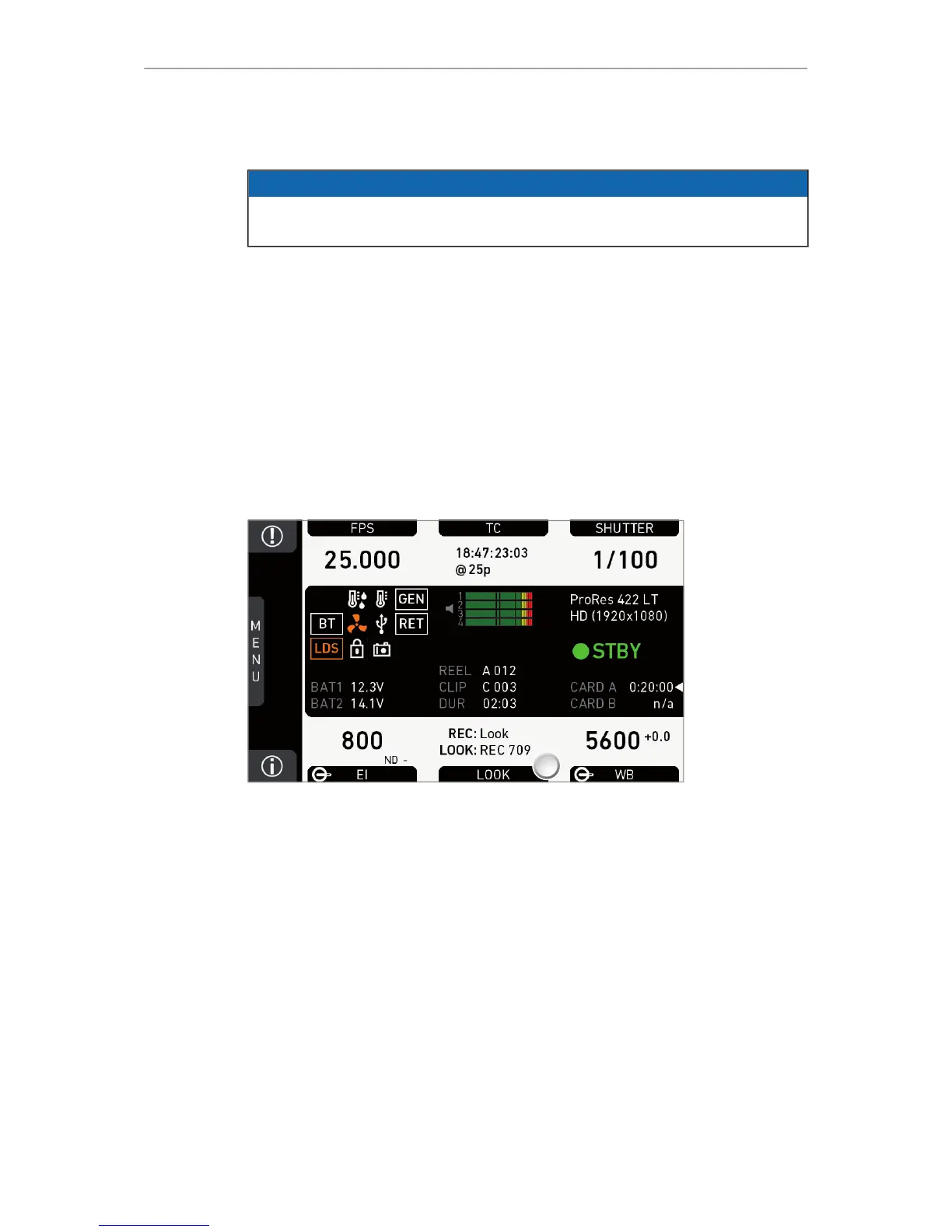
86 Home screen
14.7 LOOK and gamma settings
NOTICE
Looks alter the image color in a creative way. Due to a high-quality rendering core,
AMIRA applies looks in production quality. Fully in-camera.
REC 709: Renders the video image according to the ITU.R-BT709 standard, for most
accurate color reproduction on standard broadcast monitors.
Commercial: Renders the image brighter for smoother skin tones.
Landscape: Applies a steeper contrast curve to the image.
LCC: Low Contrast Curve look that keeps more details in highlights for color correction
purposes.
Vibrant (requires advanced license): Boosts color saturation except for red and yellow
(skintone protection).
X-2-ALEXA (requires premium license): Matches the color reproduction of AMIRA to
the ARRI ALEXA.
14.7.1 Setting the LOOK file
1. Note: A switch icon next to LOOK (1) means: user switch is set to LOOK.
2. Press LOOK (1) to set the active look:
°
No switch icon: A list opens (skip forward to "LOOK list").
°
With icon, a switch screen opens:











 To Next Page