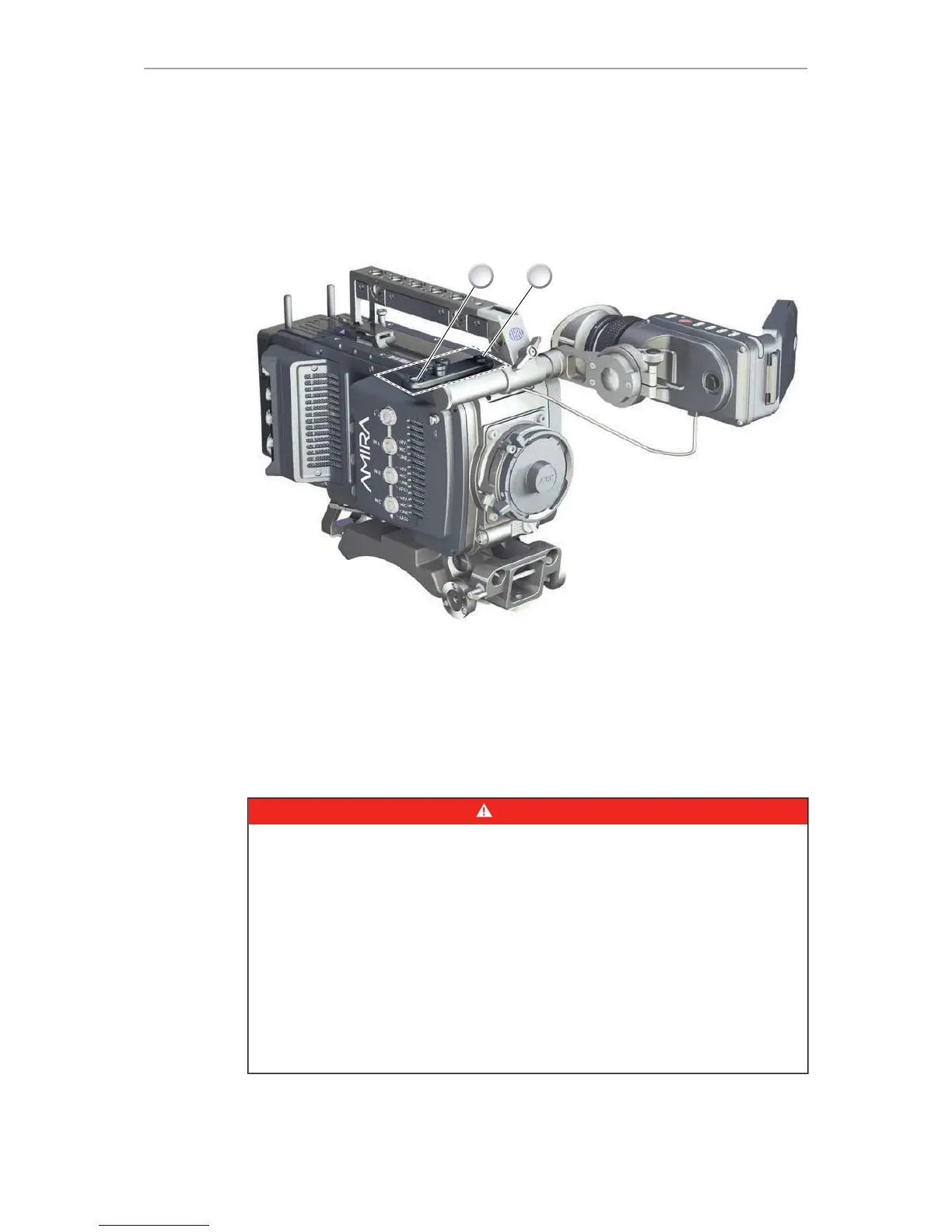
1. With a 3 mm Allen key, attach the microphone bracket (1) to the handle (2).
2. To unmount: Loosen the screw (2); remove the bracket (1).
27.7 Changing a lens mount
DANGER!
High voltage! Risk of electric shock and fire!
Short circuits may entail lethal injury and damage!
Use original AMIRA lens mounts only.
Before each lens mount change, always switch the camera off and disconnect all
power sources.
Changing the lens mount while the camera is powered may permanently damage
the camera and lens mount.
Protect sensor and electrical system: Always store the camera with a lens mount
properly installed and capped.
Immediately replace each lens mount after removal.
Change lens mounts in dust-free environment only.











 To Next Page