Home screen 85
14.6.4 WB Options
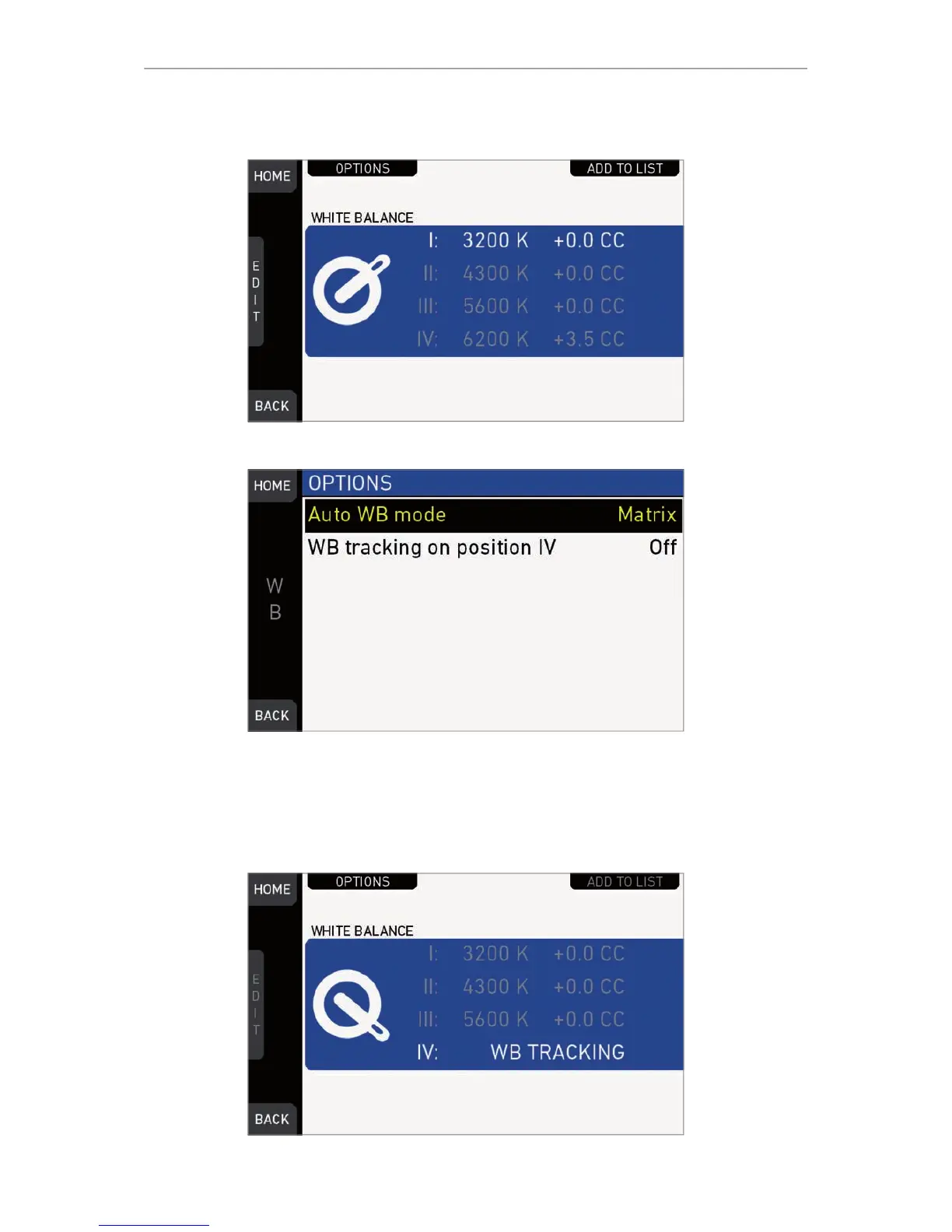
Press OPTIONS on the WB switch screen.
Auto WB mode: Sets the calculation method of auto white balance. See page 151 .
Matrix analyzes the full image and uses the image part best suited for WB calculation,
while Center uses the image center area only.
WB tracking on position IV: When set to On, moving the WB switch to position IV
activates automatic white balance tracking, where the white balance value is
continuously updatet based on the image scene.
Note: WB tracking always uses Matrix mode for WB calculation.











 To Next Page