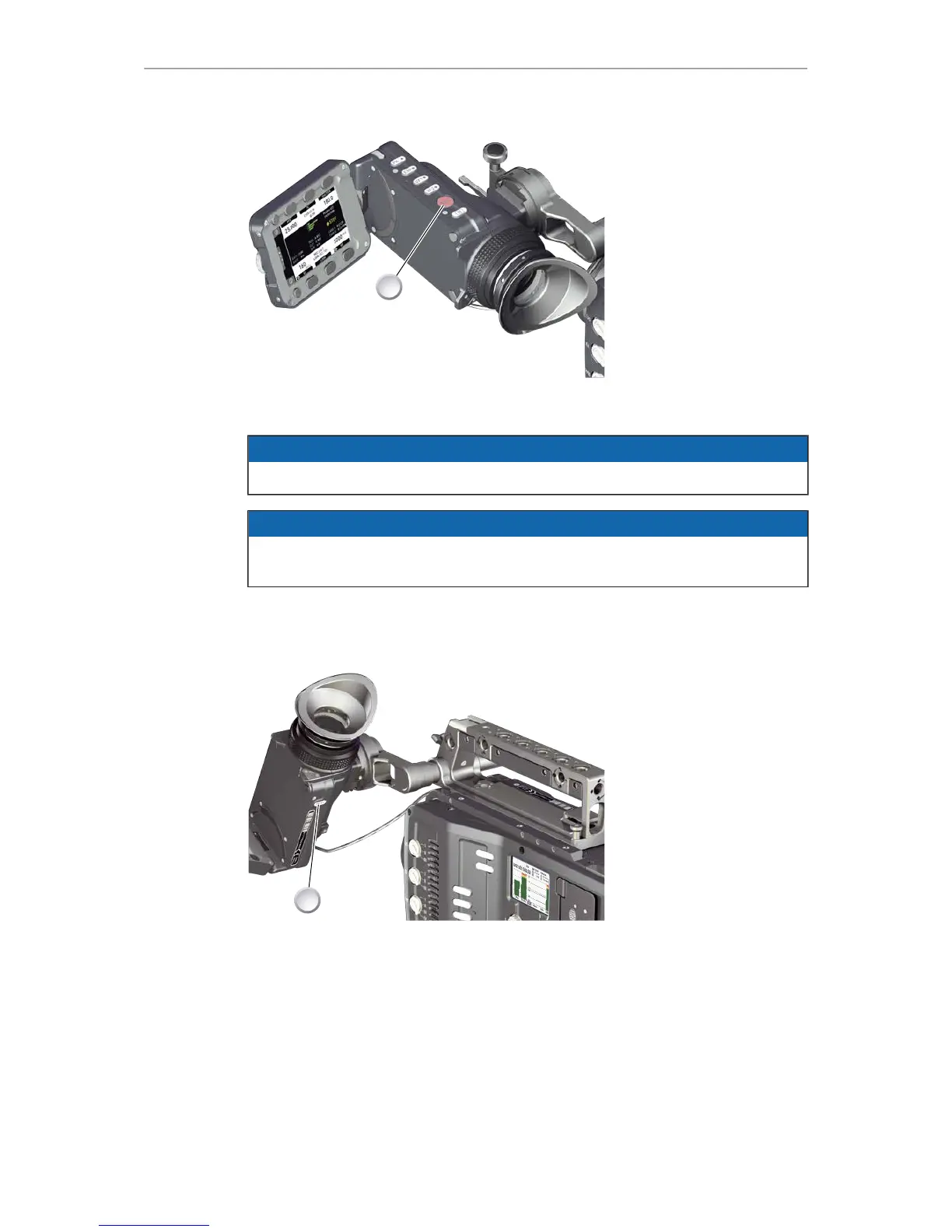
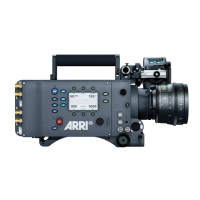
4. Alternatively, press REC (1) on the viewfinder.
NOTICE
Never change memory cards when recording - this may damage the recorded clip.
NOTICE
Connecting or disconnecting devices or cables while recording can disturb the
audio/image signal due to static electricity.
11.6 PLAY button
1. Press PLAY (1) for one second to see the last clip of the active CFast 2.0 card.
°
Playback is active on monitor, on EVF and on SDI out.
2. You may toggle between play and pause by briefly pressing PLAY (1) again.
3. To exit playback: Press PLAY (1) for one second.
4. Extended playback control is available via the on-screen navigation (see below).






 To Next Page