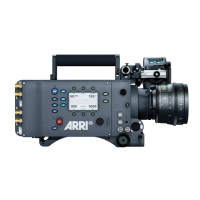
Home screen 67
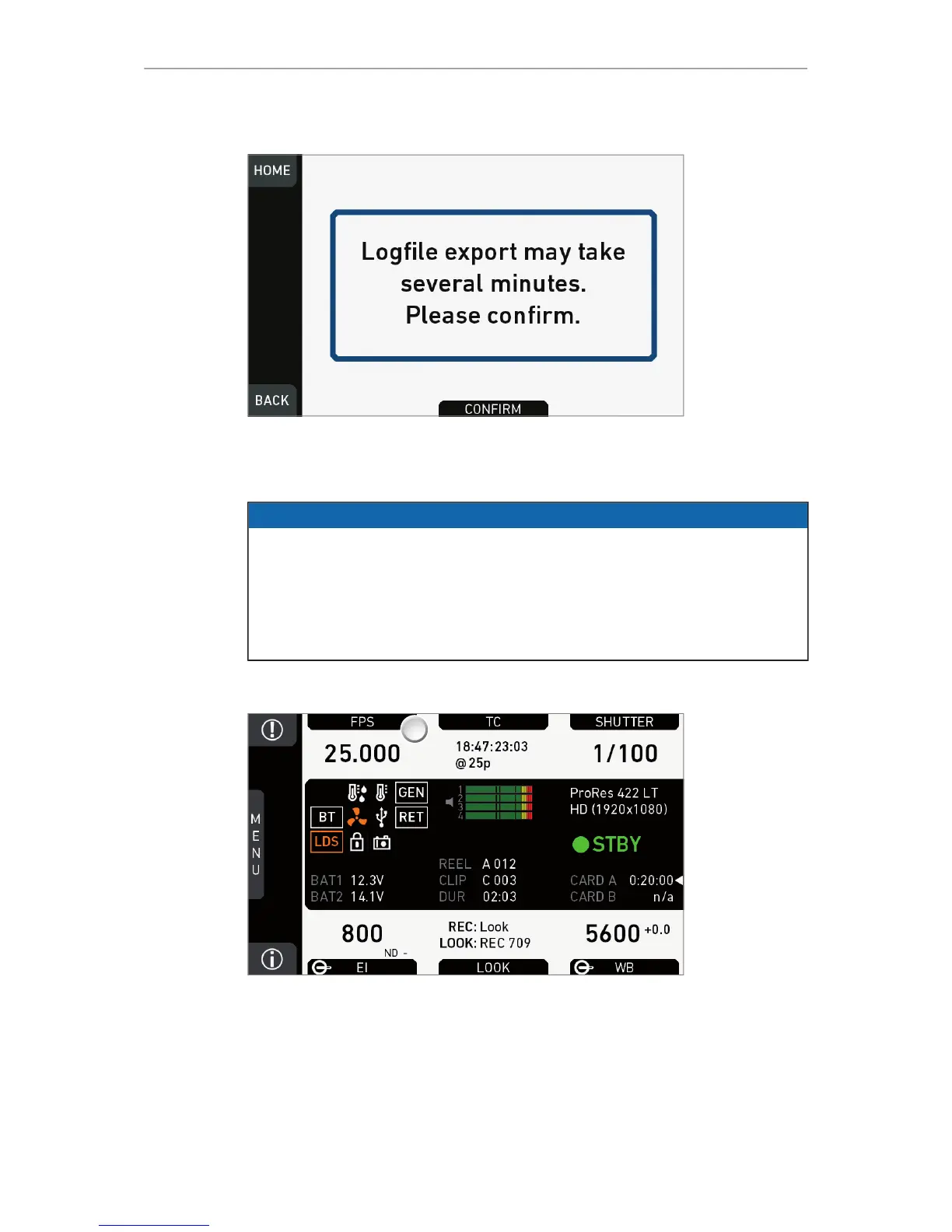
Export logfiles
14.3 FPS settings
NOTICE
Maximum frame rate is 100 fps without an advanced or premium license. Advanced
and premium licenses enable a maximum of 200 fps.
Always use CFast 2.0 cards with maximum write rates. 60-GB cards are slower
than 120-GB cards and may limit the fps (depending on the currently set codec).
Always adjust the fps/codec combination to match the write rate. An excessive
combination may disable recording.
14.3.1 Setting/adding an FPS value
1. Note: A switch icon next to FPS (1) means: user switch is set to FPS.
2. Press FPS (1) to set the sensor frame rate:
°
No switch icon: A list opens (skip forward to "FPS list").
°
With icon, a switch screen opens:



 To Next Page