Home screen 95
14.7.6 Duplicating/renaming a LOOK file
NOTICE
By duplication you can create a new look based on an existing one. For a new look
from scratch, duplicate REC 709 and edit its parameters. Except for REC 709, you
can rename all look files.
1. Properly prepare a USB memory stick.
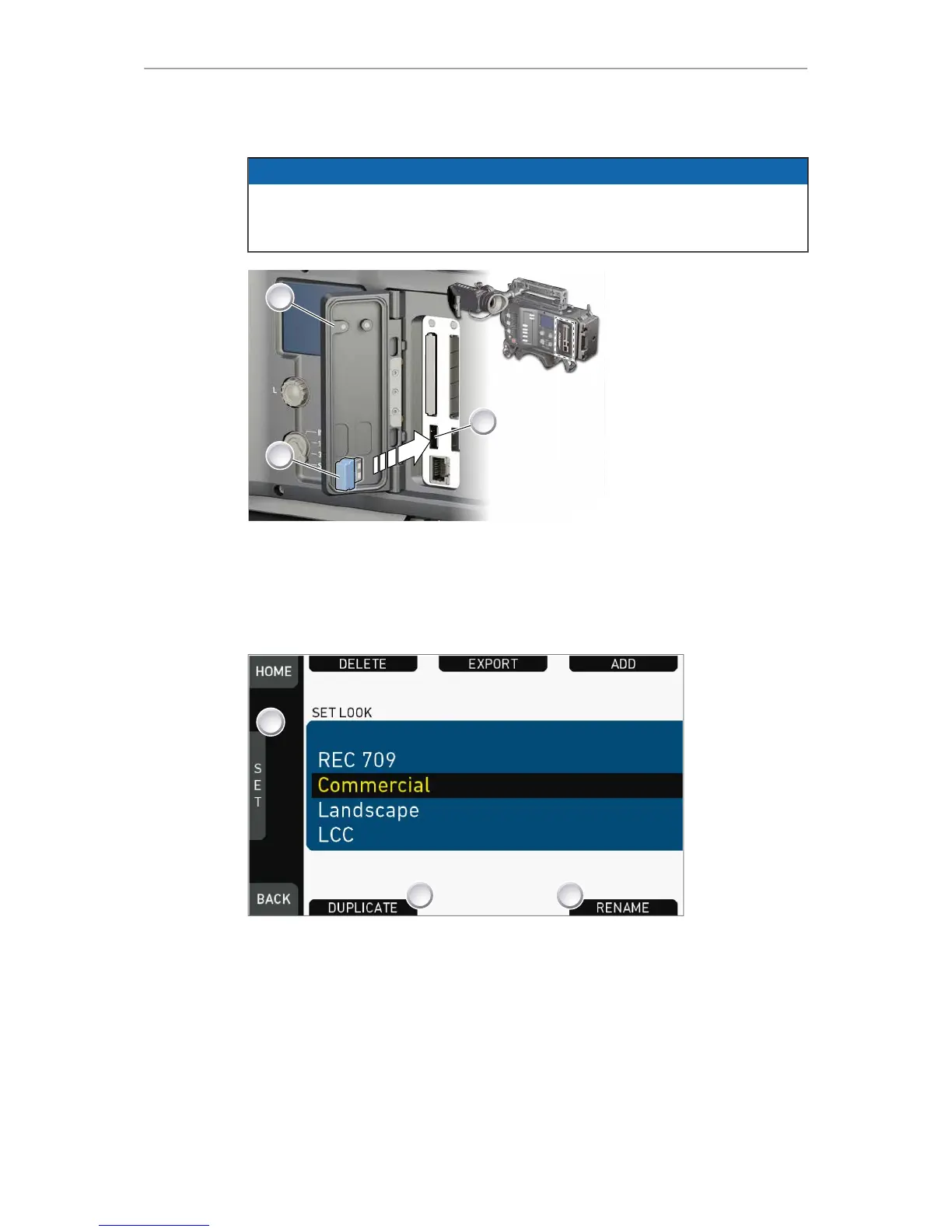
2. Open the media lid (1).
3. Connect the USB memory (3) to the camera (2).
HOME > LOOK > SET LOOK
1. Open the list of installed looks.
2. Via jogwheel (1), scroll to the required file.
3. Confirm by pressing the jogwheel.
4. Press DUPLICATE (2) and/or RENAME (3).











 To Next Page