Main controls and viewfinder 49
18 % medium gray
Just above black clipping
Black clipping
42 to 38 %
4.0 to 2.5 %
2.5 to 0.0 %
Green
Blue
Purple
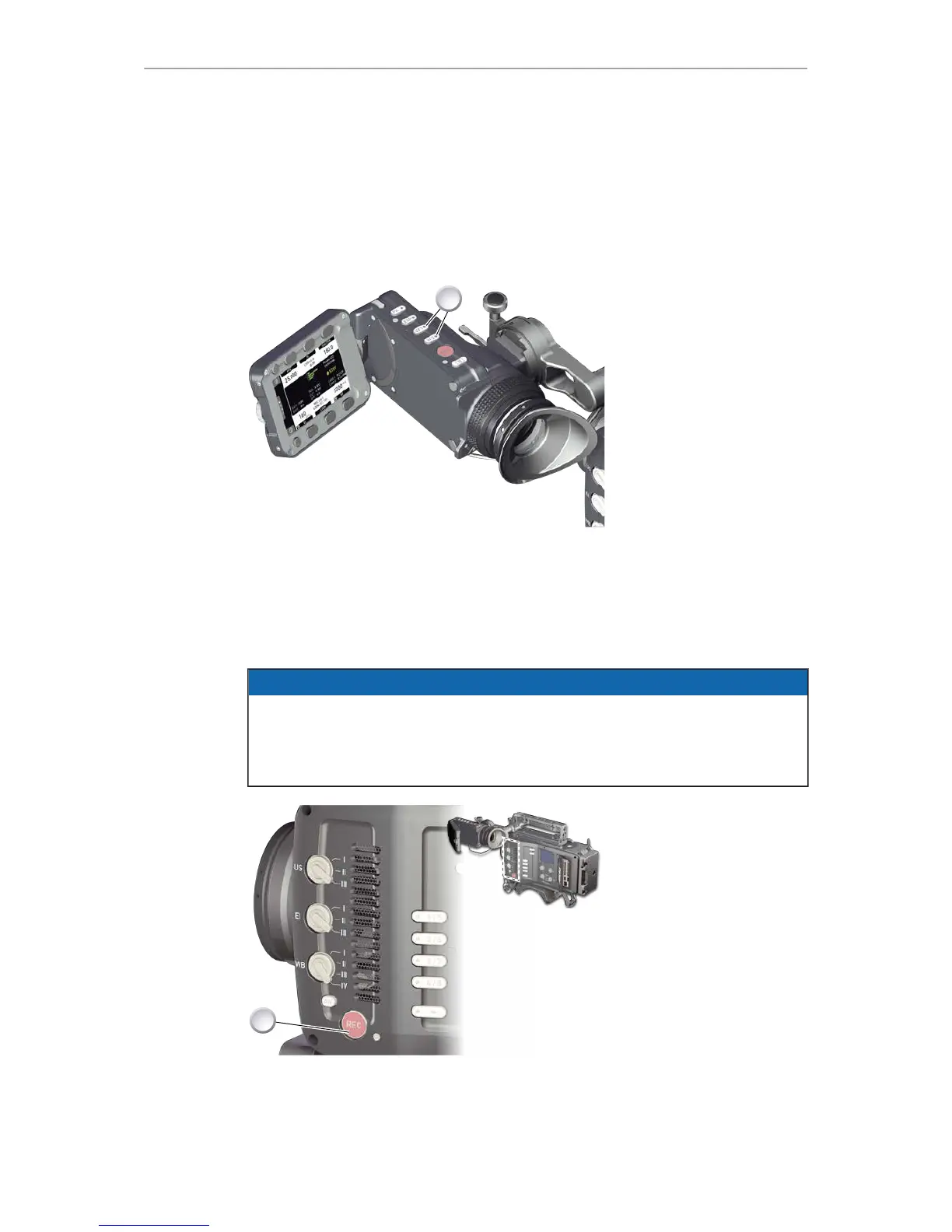
11.4 VF1 & VF2 user buttons
1. Via the camera menu (see page 105 and page 147), you can assign a function
to both VF1 and VF2 buttons (1).
11.5 Recording
NOTICE
Pressing a recording button returns the user interface to the home screen and
disables the menu access.
Recording also disables the US switch and the home screen buttons for FPS, TC,
Shutter, and Look settings.










 To Next Page