Audio menu 45
Connecting to a Bluetooth device
1. Open the Bluetooth menu.
2. Set Power to On.
3. Set the desired profile.
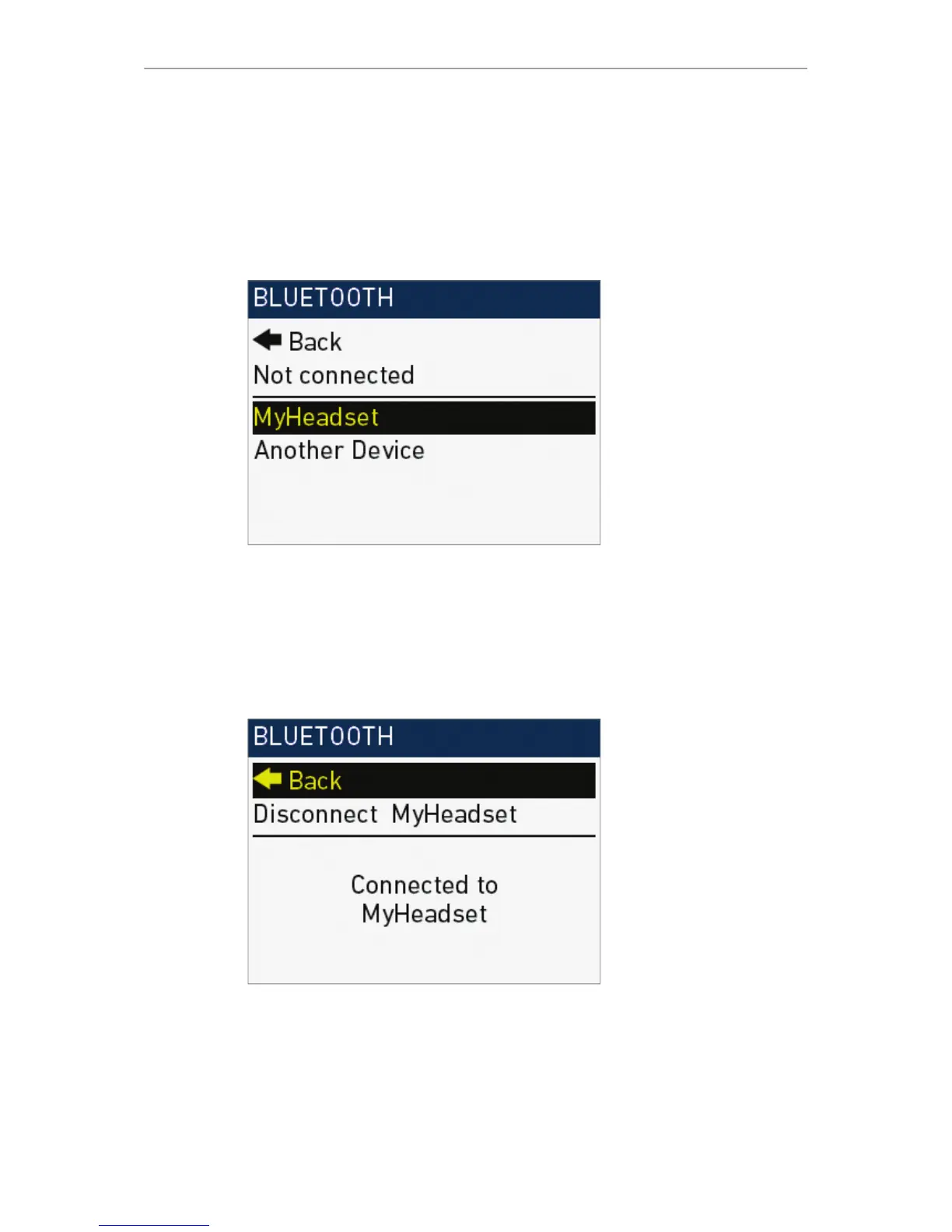
4. Via SET jogwheel, navigate to the device list:
Audio > Setup > Bluetooth > Device list
5. Ensure the Bluetooth device is active and visible.
6. Select the desired Bluetooth device from the list.
7. Press the SET jogwheel for connection:
°
In case of a power-down or device disappearance, the camera will
remember the paired device.
°
Upon reappearance, the camera automatically reconnects to the device.
8. To disconnect: Select Disconnect XX and press the SET jogwheel.











 To Next Page