Chapter 4:
STANDARD 365-095-33577 Revision x.1 IPC4100 Release 1.0 Installation and Operation Guide
11
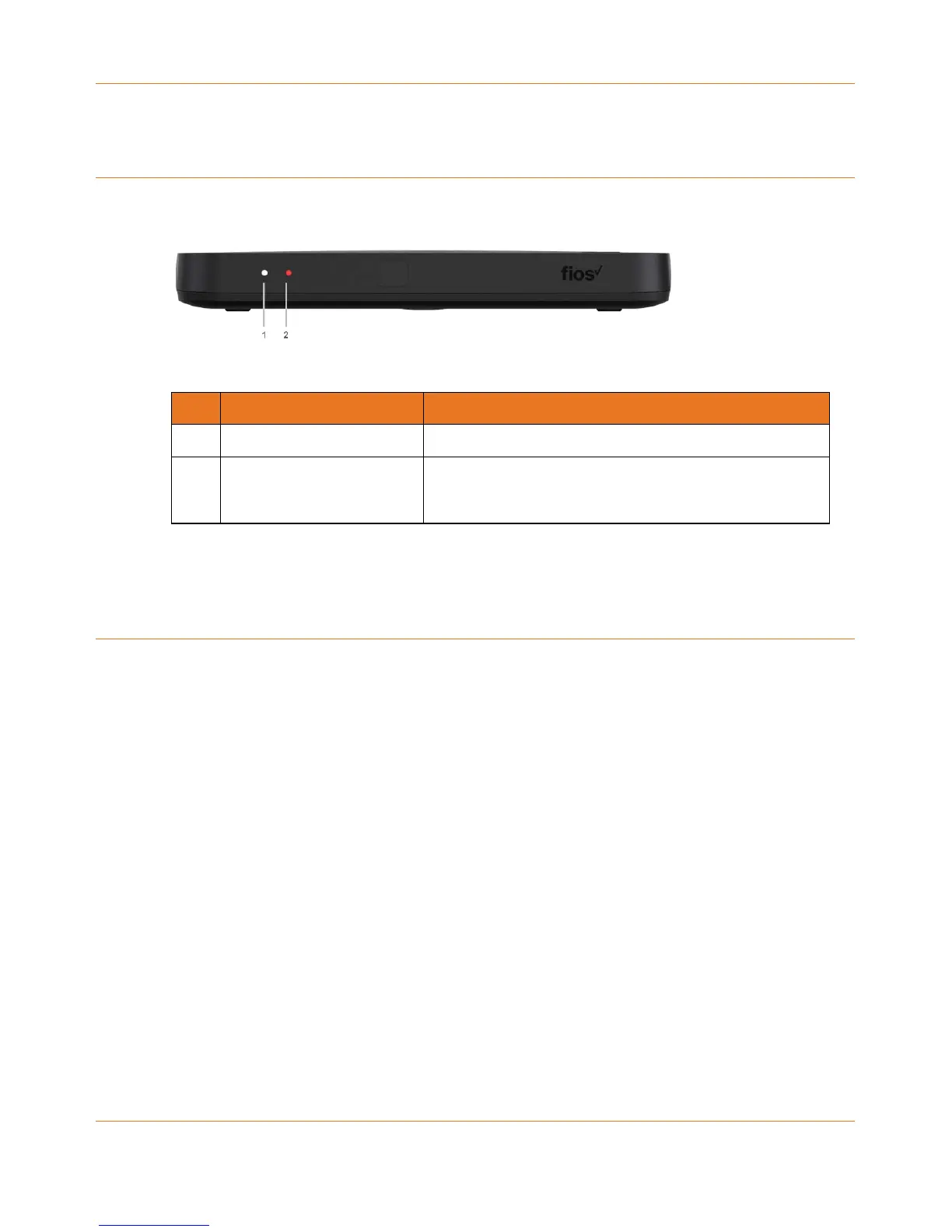
IPC4100Front panel
The IPC4100 front panel provides the mechanical Power/Standby button and the LED
Clock/Channel number display.
IPC4100 Front Panel
Description
1 Power Display Indicates if power is on (green) or off (no light).
2 Reboot Indicates if gateway is rebooting.
IPC4100 installation overview
This section provides instructions for connecting and configuring the IPC4100 in a
multi-television screen household. The IPC4100 supports an auto-provisioning feature that
automates many of the tasks required to configure and provision the in-home IP video
components.
The installation will include the following series of steps:
Connecting the home router (page 15)
Connecting the RF coaxial cable to the RF connector on each set-top
Connecting the A/V connections for each set top to the home theater equipment
Performing the Auto-Provisioning procedures from the IPC4100 On-screen menu. See
Understanding auto-provisioning (page 19).
Optimizing High-Definition (HD) settings (page 26)



 To Next Page