Chapter 9:
STANDARD 365-095-33577 Revision x.1 IPC4100 Release 1.0 Installation and Operation Guide
31
Field Description
If the Lip Sync option has been set to either Auto or Off, this option
will be disabled and no longer selectable in the menu.
Use this option to adjust the HDMI audio delay if you notice that the
video image routinely seems to be "behind" the audio soundtrack
when using your HDMI device.
1080p24 Pass-Through Enables the pass through of 1080p24 content directly to the TV.
Return To Main Page Use this option to return to the User Settings Menu main screen.
Restore Automatic
Settings
Use this option to restore all of the settings on this screen
(HDMI/DVI Mode, Color Space, Audio Output, and Lip Sync) to their
default value.
You can also use this option if audio and/or video has been lost
after adjusting these settings from their default values.
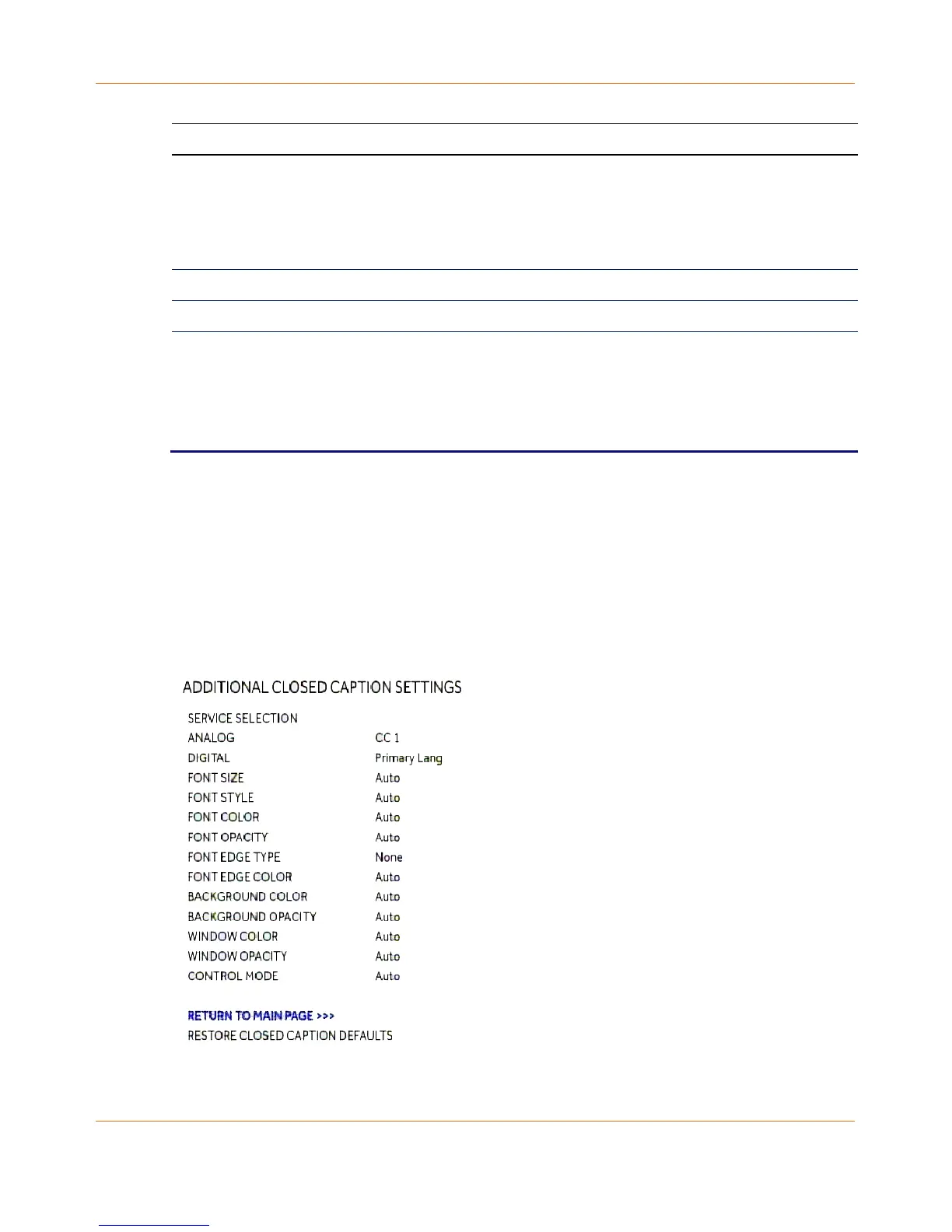
Additional Closed Caption settings
The Additional Closed Caption Settings menu is used to adjust the various display options for
closed caption legibility. Customizable options include font size, font style, font color, and
font opacity. You may also select to view different closed caption services if these are
included within the broadcast program.
Figure 13: Additional Closed Caption Settings Screen



 To Next Page