Chapter 10:
STANDARD 365-095-33577 Revision x.1 IPC4100 Release 1.0 Installation and Operation Guide
37
2. Press cursor , cursor , Select, or Enter to execute the selected diagnostic.
3. Select E from the main menu or press Power to exit.
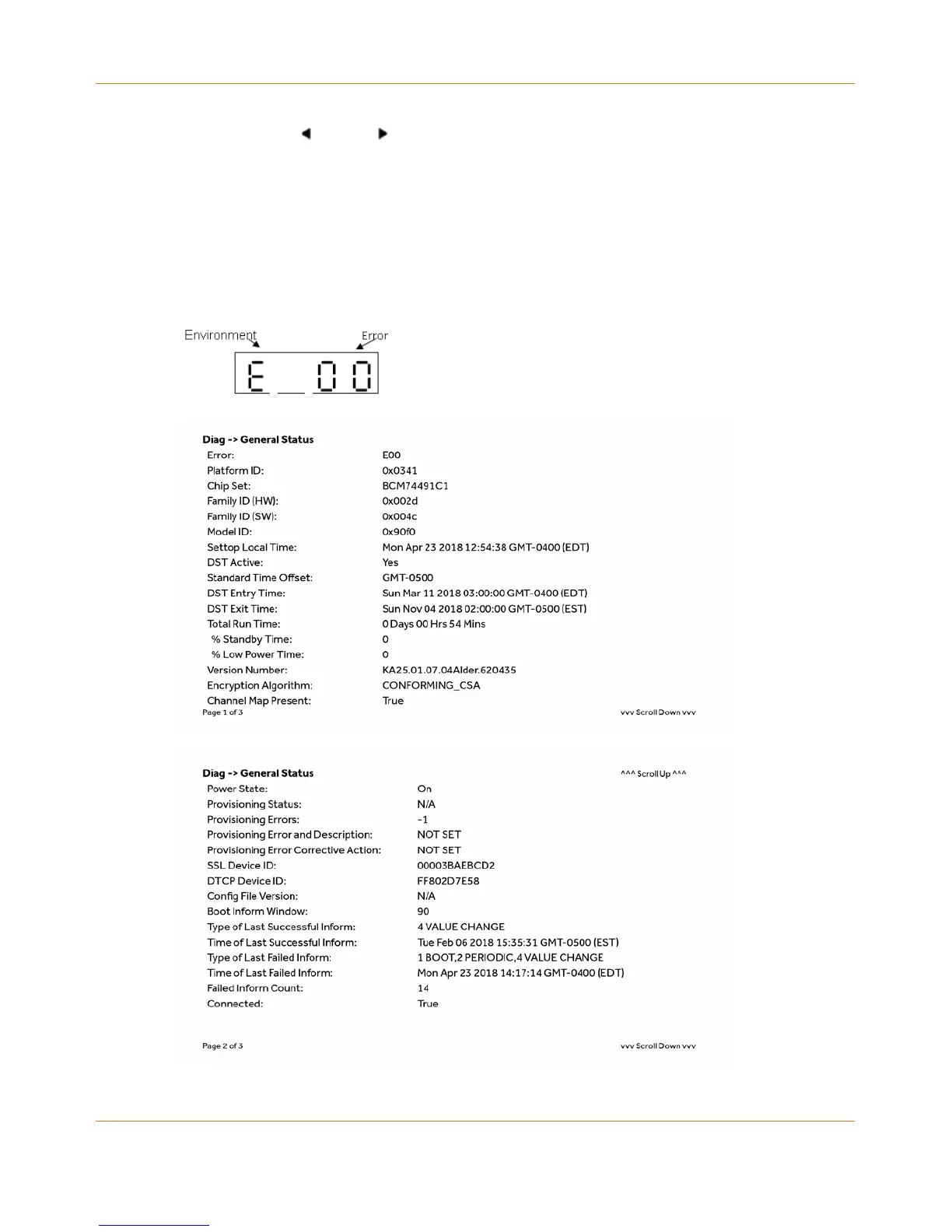
d01 Viewing General Status
This diagnostic displays system status information on the front panel. The information is
updated each time the diagnostic is displayed.



 To Next Page