STANDARD 365-095-33577 Revision x.1 IPC4100 Release 1.0 Installation and Operation Guide
25
Chapter 8
Accessing the Basic User Interface (BUI)
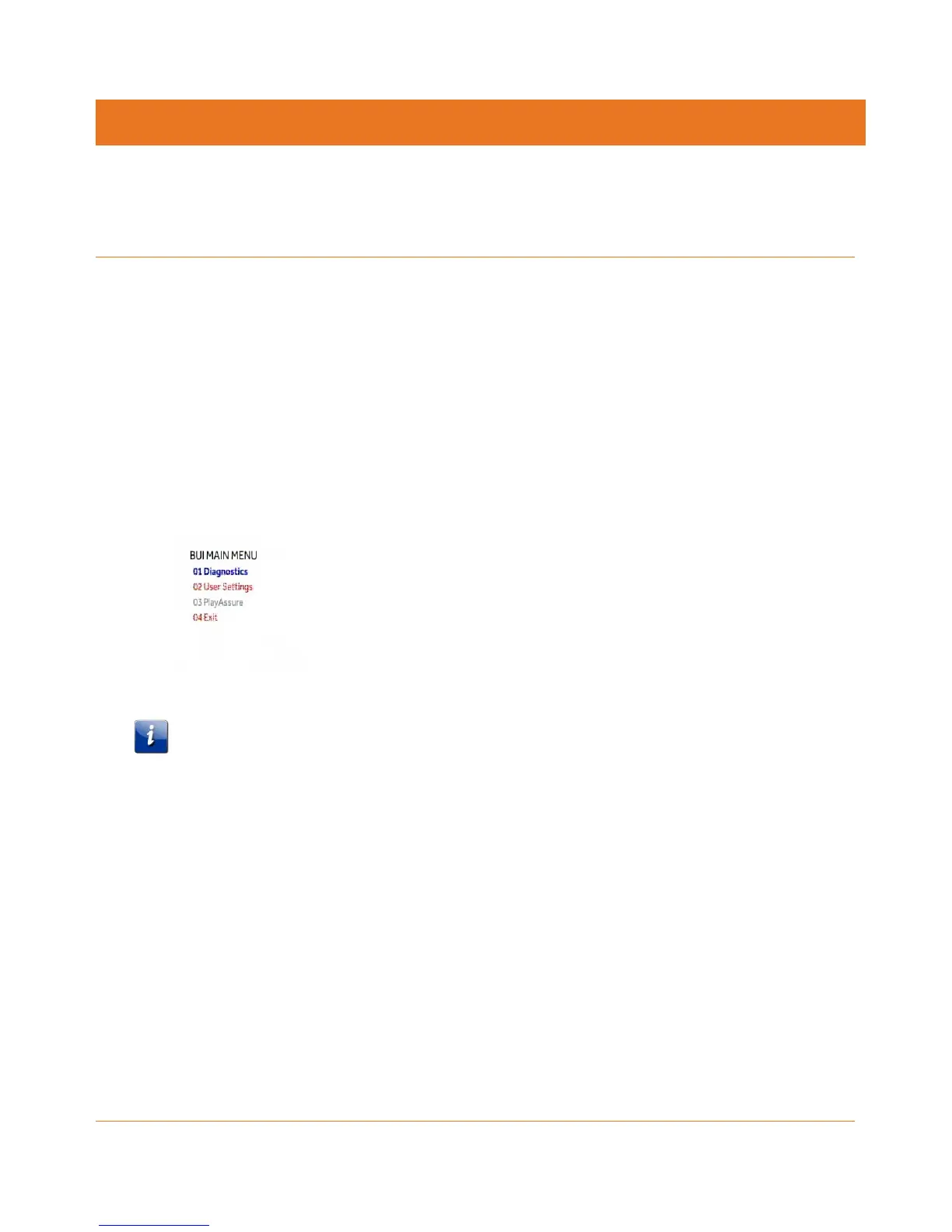
The BUI contains front panel diagnostics and user settings. The BUI allows you to retrieve
diagnostics without having to power OFF the application.
To view diagnostics:
1. Method 1 - Press and hold the D key on the IR remote control for five seconds and then
release the key to display the BUI Main Menu.
a. Select Diagnostics to navigate to the onscreen diagnostics.
b. Select User Settings to navigate to the high-definition video User Settings menu.
2. Method 2 – Power ON the IPC4100 and then immediately press the Select key (or OK key)
on the IR remote control twice.
Figure 10: Basic User Interface (BUI) Main Menu
Note: The PlayAssure diagnostics are not available once the IPC4100 is booted up. Please
refer to the PlayAssure Client Installation and Operation Manual for more information.



 To Next Page