STANDARD 365-095-33577 Revision x.1 IPC4100 Release 1.0 Installation and Operation Guide
36
Chapter 10
Configuring Diagnostics
To access the diagnostics:
1. Make sure the IPC4100 is powered ON.
2. Choose either method below to access the Diagnostics screen:
• BUI menu
Press and hold the D key on the IR remote control for seven seconds and then
release the key to display the BUI Main Menu. Select 01 Diagnostics on the BUI main
menu.
• Enter Diagnostics directly
Press Power and then immediately press OK on the remote control twice to open the
Diagnostics main menu. This method will power OFF the application and is not
recommended if diagnostic information is needed for video or session status.
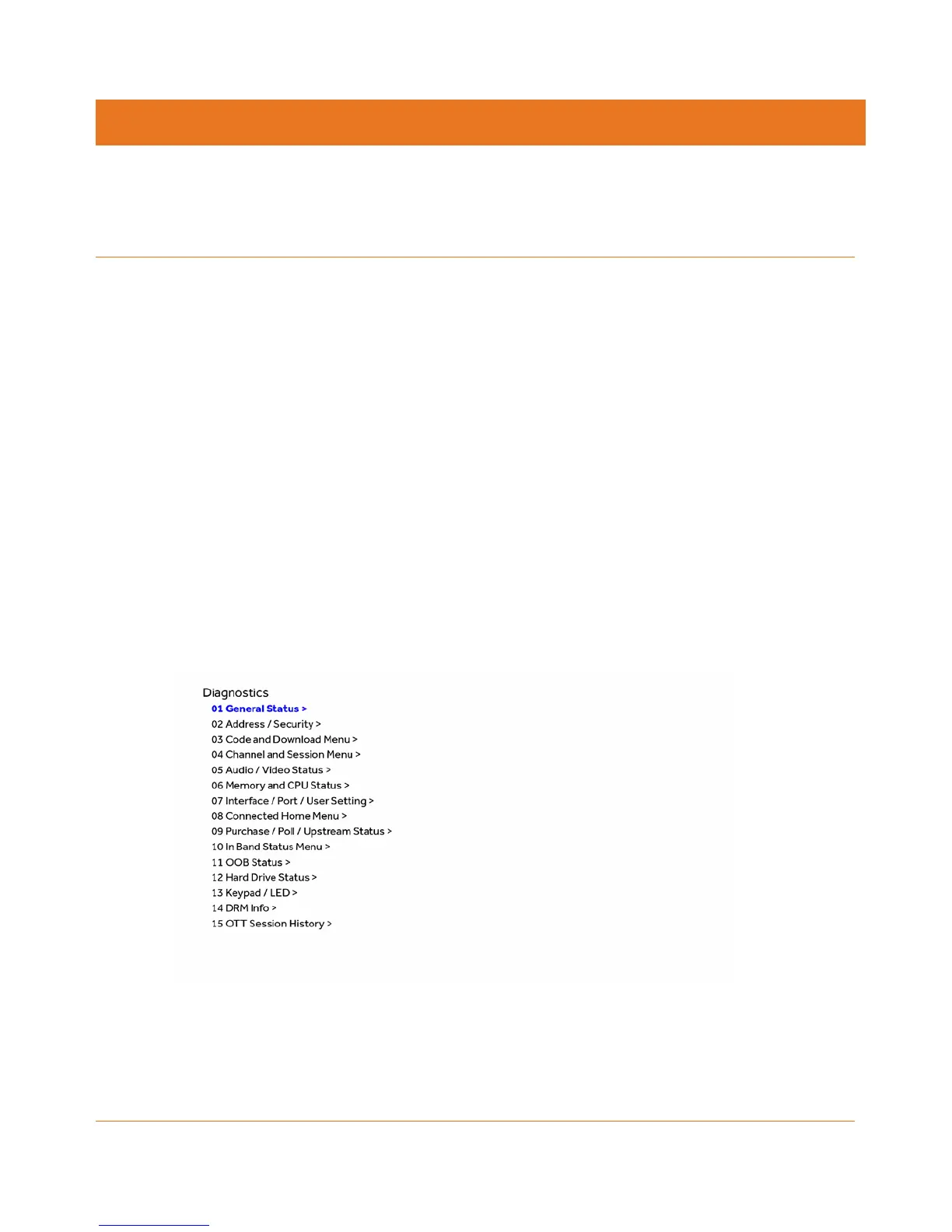
The Diagnostics main menu will display and d01 will appear in the IPC4100 display panel
window.
d0 Navigating the Diagnostics menu
Figure 14: Diagnostics Main Menu
Use the following keys on the remote control or IPC4100 front panel to navigate the
Diagnostics menus:
1. Press channel ▲ channel ▼ cursor ▲, or cursor ▼ to select d01 through 15.



 To Next Page