STANDARD 365-095-33577 Revision x.1 IPC4100 Release 1.0 Installation and Operation Guide
12
Chapter 5
Completing prerequisites
Before you move or change components on the subscriber’s entertainment system, do the
following:
Make sure you have all the required tools and equipment.
Review the installation instructions.
Check the home coaxial topology.
• Make sure no cable network or satellite dish is connected.
• Make sure there are no amplifiers that could interfere with the MoCA network.
• Determine the numbers and type of splitters used.
• Verify that the signal at each coaxial outlet you will use is in the range -10 to +10
dBmV.
• If necessary, replace or move amplifiers or splitters.
Check the home entertainment system. Determine if you are connecting to one of the
following:
• Standard-Definition analog NTSC TV (supporting RF input)
• Baseband Composite video
• High-Definition TV (UDH, HDMI, or DVI)
Determine if the subscriber has other equipment to be connected to the terminal (Home
Theater or A/V receiver, VCR, etc.). Verify that you have the necessary cables and other
required items.
Have the customer specify where the IPC4100 media server should be installed.
Note: Make sure to install the IPC4100 media server before connecting any other
set-tops.
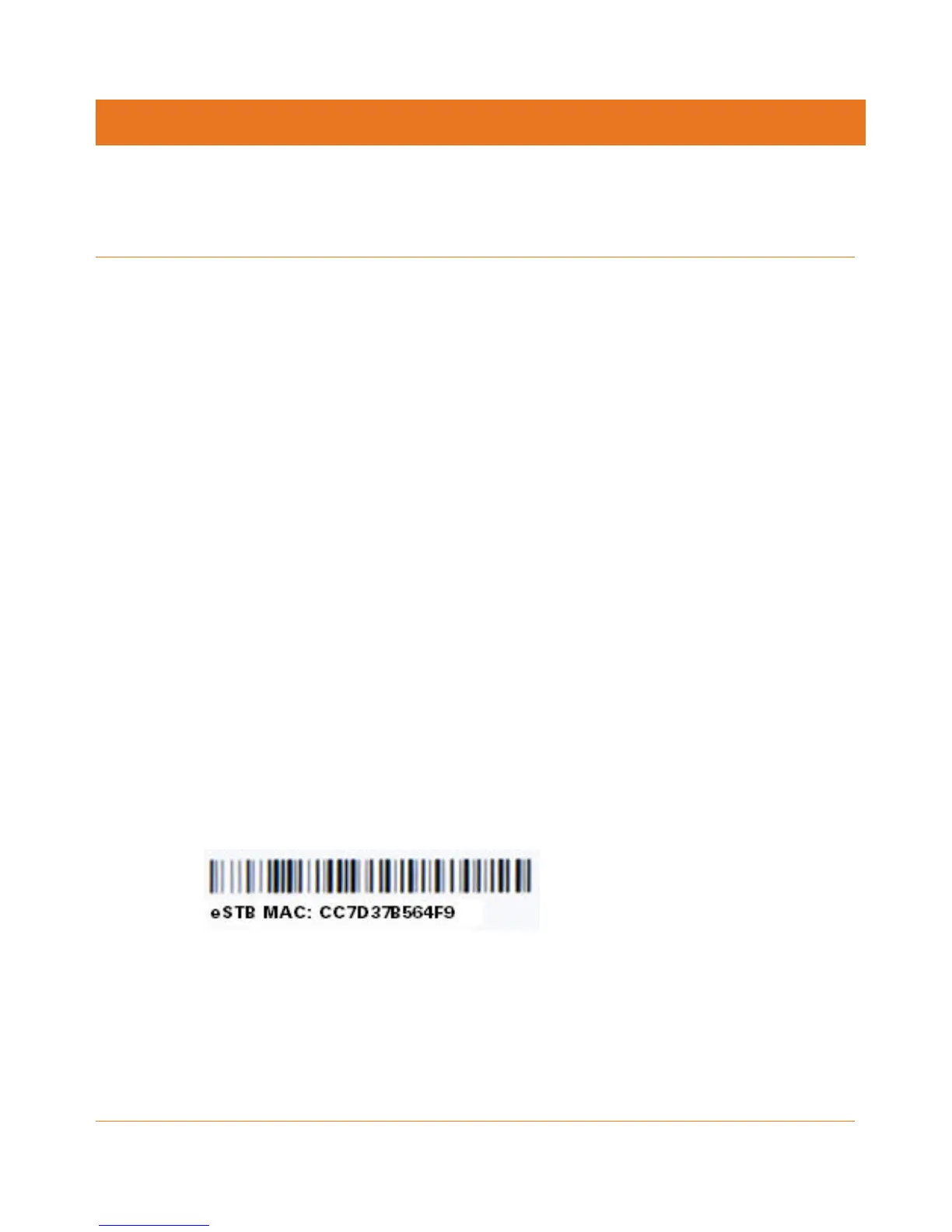
Write down the MAC address and serial number for each IPC4100 and IP Client set-top
box. The labels are located on the bottom of the devices.
Figure 2: Set-Top Box MAC Address
Checking the home coaxial network topology
This procedure assumes you are networking at least one IPC4100 and one or more IP Client
STBs. Before you install the IPC4100, do the following:
1. Create a table listing for each of the following:



 To Next Page