ARTURIA – SPARK CREATIVE DRUM MACHINE – USER’S MANUAL
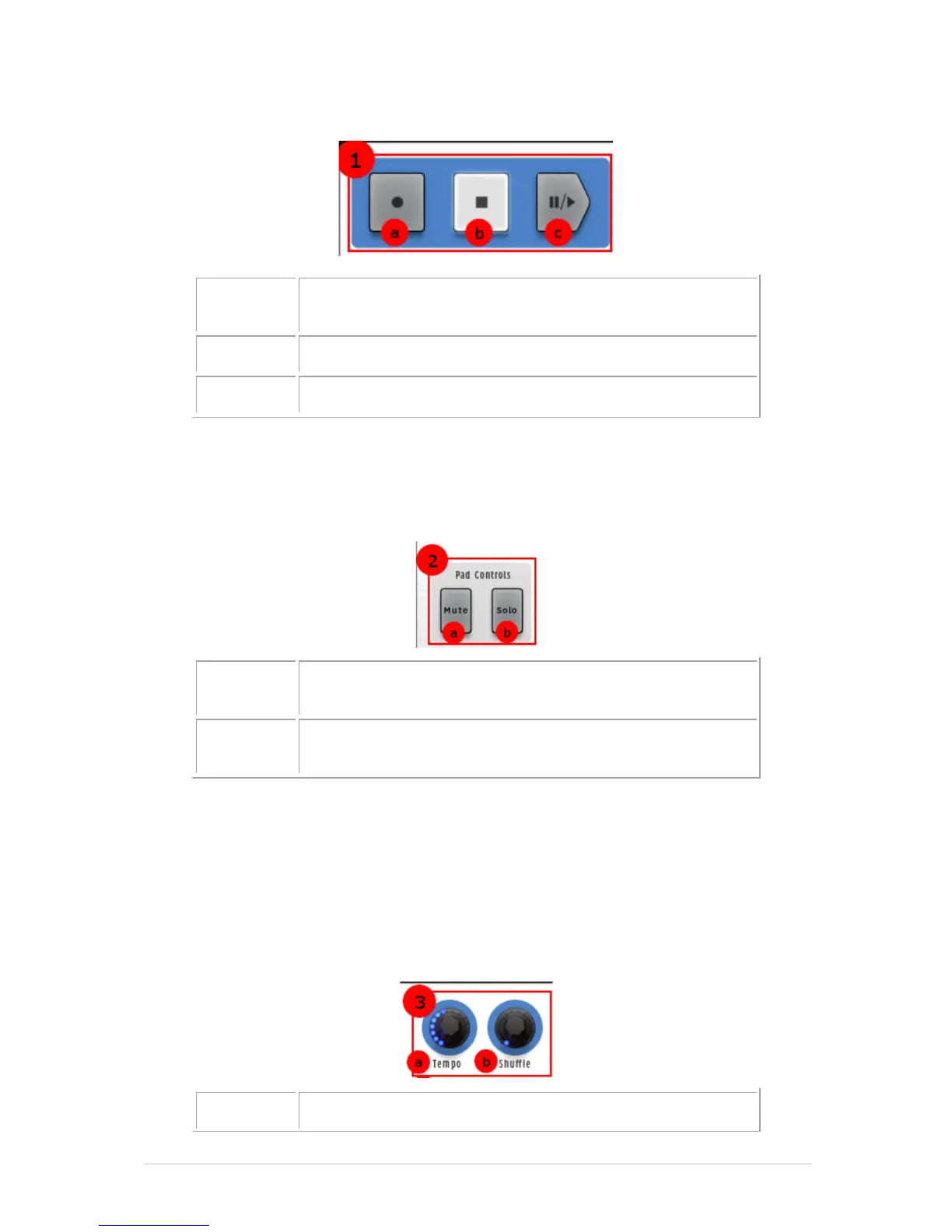
Record button (right-click to select quantized/unquantized
recording)
Record, Stop, Play & Pause: the functions seem obvious. But this is a Transport with a
twist: Right-click the Record button and you can select whether you want the next pass
to be recorded with quantization or without.
5.2.2 The Pad Controls zone
Mute button (click Mute, then select one or more
instruments)
Solo button (click Solo, then select one or more
instruments)
Mute Click this button and then one or more Instrument pads to mute them.
Click Mute again to unmute those pads. Use Select + Mute to clear all
mutes.
Solo Click the Solo button and then select one or more pads to silence the other
tracks so you can focus on the ones you want to hear. Click Solo again to
return the pads to their previous state. Use Select + Solo to clear the solo
status.
5.2.3 The Tempo / Shuffle zone



 To Next Page