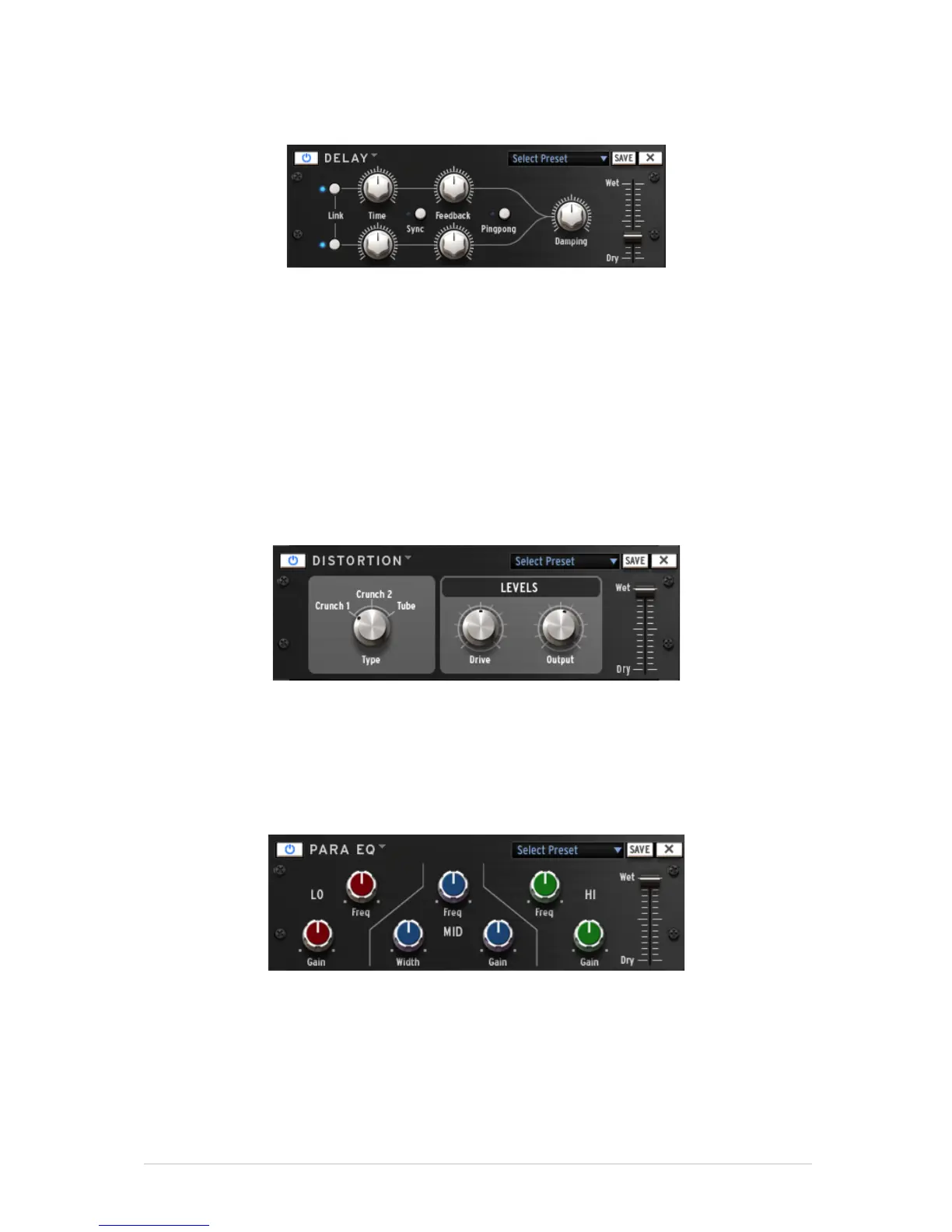
Delay parameters
Use the Link function to apply the same
parameters to the left and right channels.
Use the Sync button to sync to the host tempo
A delay repeats a sound, giving it more space and depth. Linking channels applies the
left channel’s delay time and feedback to the right channel. For separate parameters on
both channels Link should be deactivated. Ping Pong alternates the delayed signal
between the left and right channel (for an increased stereo effect), and dampening
reduces high frequencies by adding a Lowpass filter to the feedback chain.
Distortion parameters
A distortion saturates and distorts a sound by increasing the volume of a signal then
clipping the excess. This effect can add strength, high-end and volume to a sound.
Parametric EQ parameters
Parametric EQ allows one to boost or reduce the volume of frequency bands. FREQ
selects the frequency and GAIN allows one to remove or add volume to that band. Width
(MID only) determines the width of the middle band around the specified FREQ.



 To Next Page